
 Mobile App Development
 Software Development
 AI Solutions & Automation
 AI & IoT Solutions
 Web Development
 Cyber Security
Collect Device Data
Sensors and connected equipment measure conditions such as temperature, pressure, movement or operating status.
Build connected software that helps your business collect device data, monitor equipment remotely and make better-informed operational decisions. SupportSoft develops IoT software and connected applications around your business requirements, devices and existing systems.
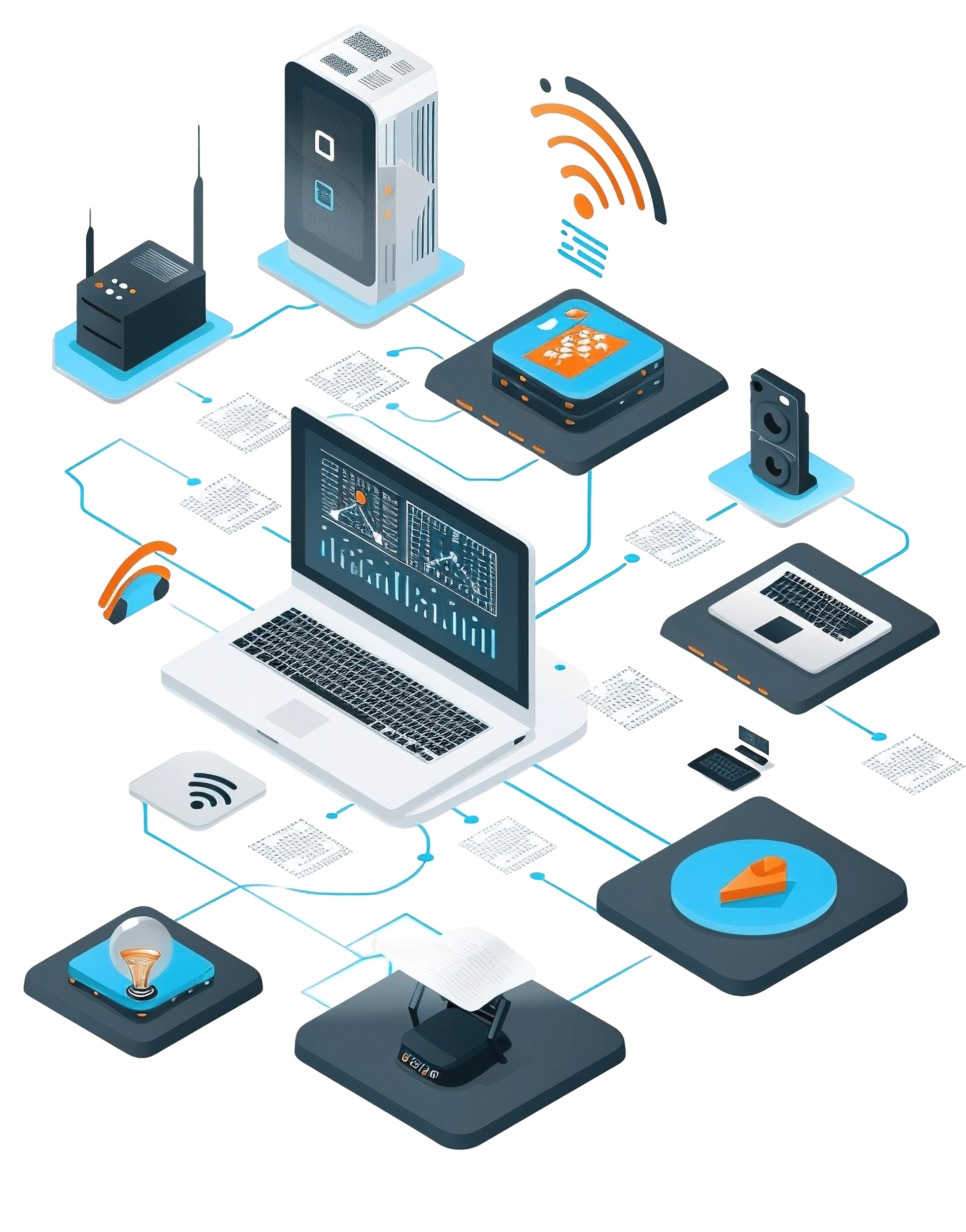
IoT development brings connected devices, sensors, software and data systems together so businesses can turn device readings into useful operational information.
When equipment data is scattered across disconnected systems, teams may struggle to monitor performance remotely, identify unusual readings or access information without checking devices manually. A well-designed IoT solution can bring relevant data into one place and help teams respond more efficiently.
SupportSoft develops custom IoT software and connected applications around your business requirements. Depending on the project, this can include integrating devices and sensors, processing incoming data, building monitoring dashboards, setting up alerts and connecting IoT applications with existing business systems.
Whether you need to connect new devices or make an existing setup more useful, the starting point is understanding what you need to monitor, which data matters and what actions your team needs to take.
Connected devices and sensors collect information from equipment, assets and physical environments. The required sensors depend on what your business needs to measure, such as temperature, movement, location or machine operating conditions.
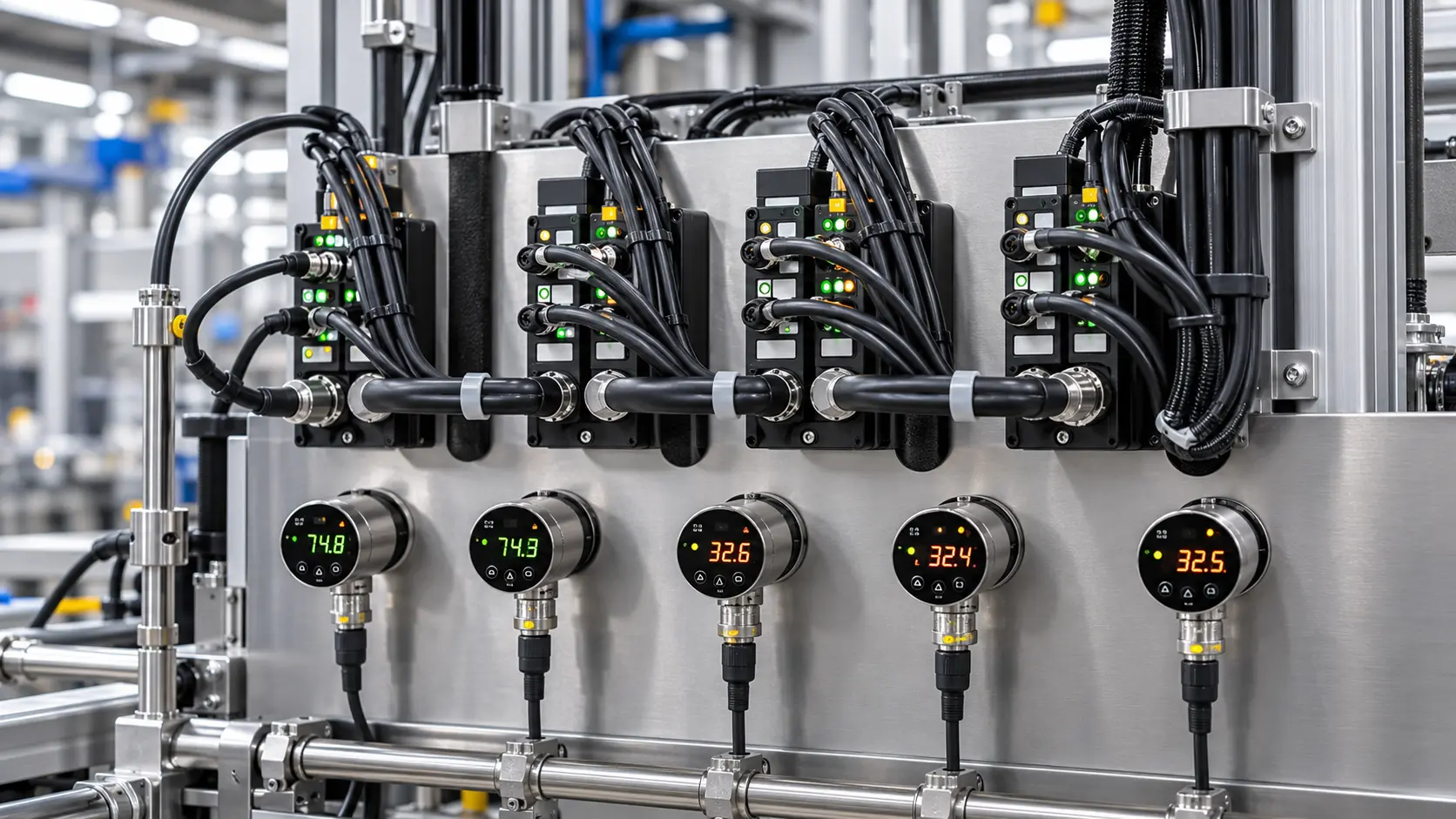
Devices need a reliable way to send data to the systems that use it. IoT connectivity and integration can involve communication protocols, gateways, APIs and existing platforms, depending on the device and deployment requirements.
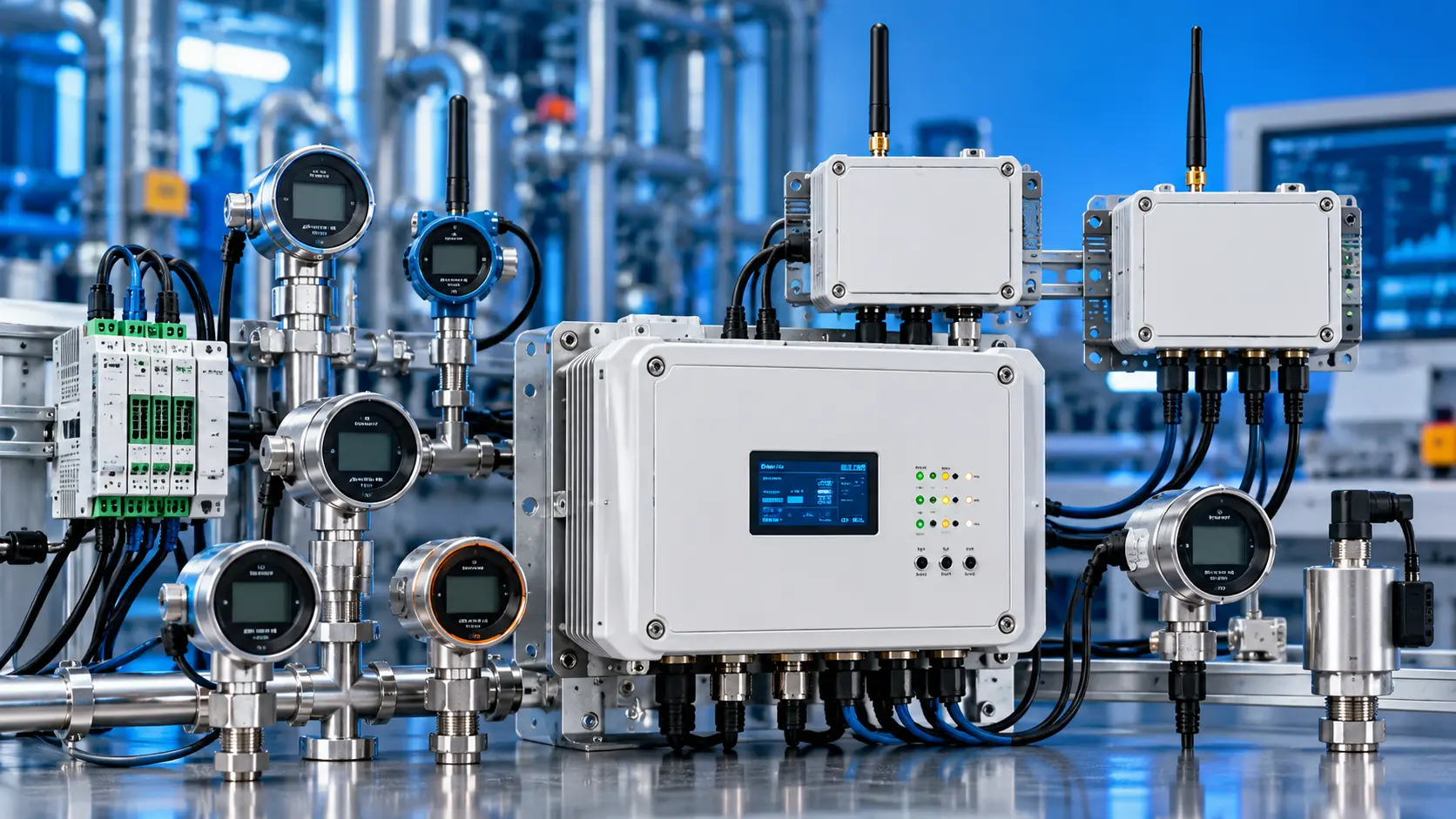
Backend software receives and processes device data, manages application logic and supports communication between connected devices and other systems. Data validation, storage, access controls and event processing can be included according to the solution's requirements.
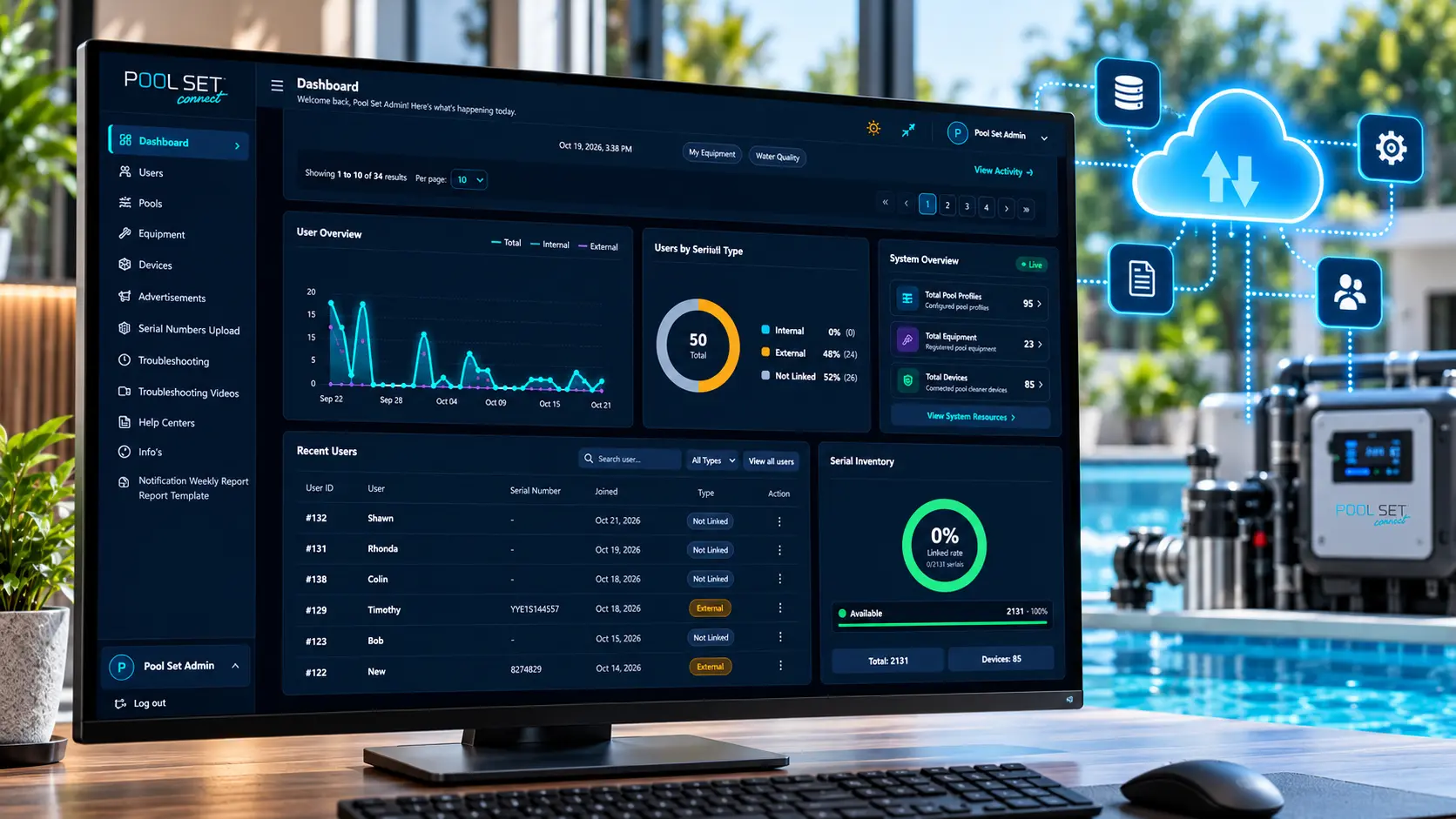
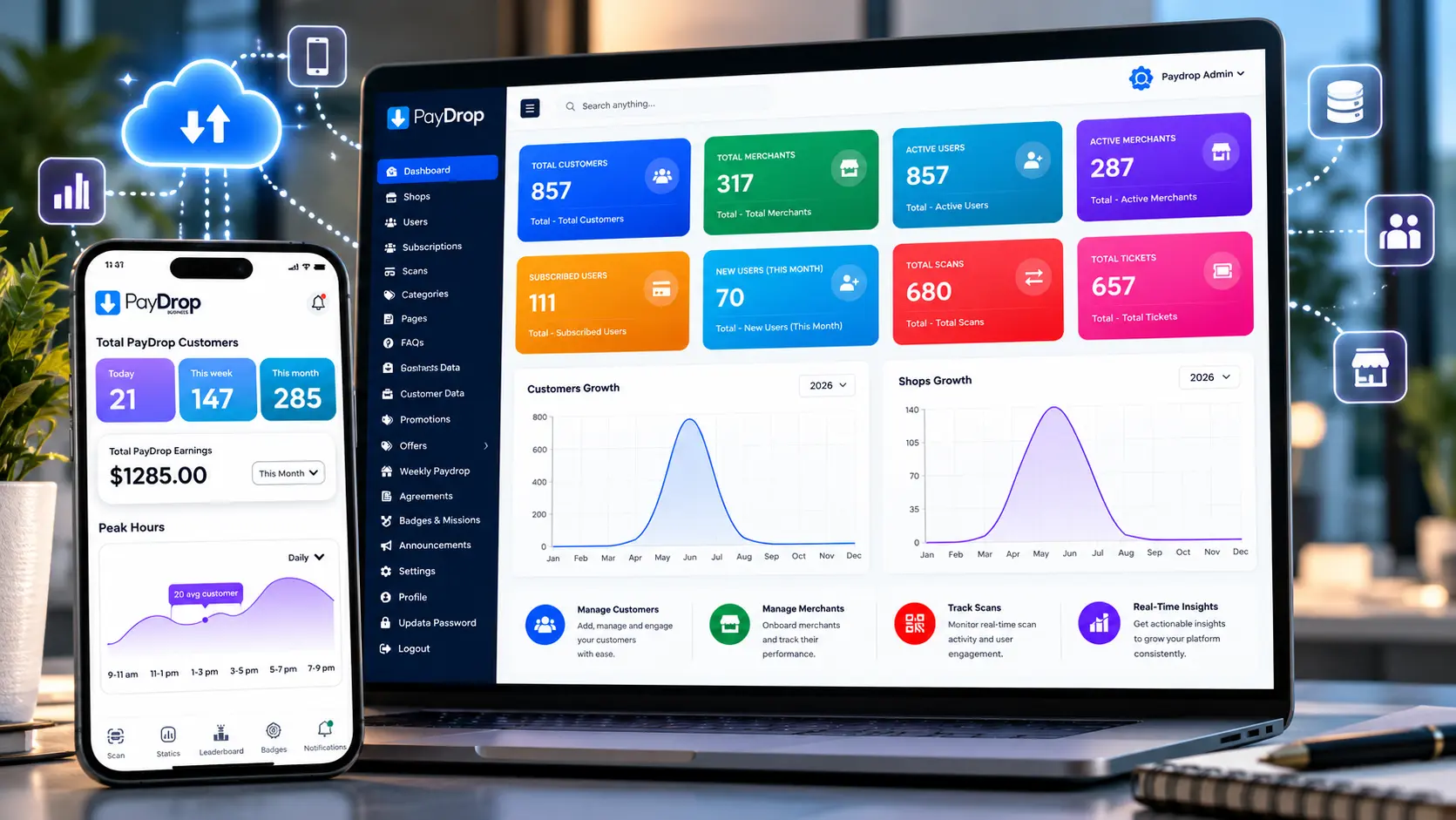
Web dashboards and mobile applications help authorised users view device readings, review trends and monitor system status. Depending on the implementation, the interface can also support alerts, reporting and operational actions.
Australian businesses can need different types of IoT software, from connecting existing equipment to building a custom monitoring platform. SupportSoft can tailor the development approach to the devices, data, integrations and workflows required for each project. Explore the services below to identify the capabilities relevant to your IoT project.
Custom IoT software brings device data, business rules and application workflows into a solution designed around your operational requirements. Rather than relying entirely on a generic platform, businesses can develop software around the information they need to collect, the users who need access and the actions the system should support.
Remote equipment monitoring software helps teams view readings and operating conditions from connected machinery or assets without relying solely on manual checks. Depending on the available sensors and device connectivity, the solution can display equipment status, present historical readings and flag selected conditions for review.
Device integration connects compatible sensors, equipment and connected products with the software that receives and uses their data. The integration approach depends on the device interfaces, communication methods, data formats and requirements of the wider system.
IoT dashboards turn incoming device data into information that teams can review and use. A custom web interface can bring key readings, device status, trends and selected alerts into one view, helping users understand what is happening across connected equipment or assets.
An IoT mobile application gives users a convenient way to access information from supported connected devices. Depending on the project, the app can display sensor readings, show equipment status, deliver notifications or let authorised users perform defined actions through the connected system.
Connected devices can generate continuous streams of readings, but the information becomes more useful when the software processes it according to defined rules. An IoT data-processing system can evaluate incoming measurements, identify configured threshold conditions and notify relevant users when a specified event occurs.
Businesses may want better visibility into existing machinery without replacing equipment that still meets operational needs. Where the equipment exposes compatible interfaces or can be connected through suitable sensors or gateways, an IoT integration project can make selected operating data available to monitoring software.
An IoT platform needs to work with the other systems a business relies on. API and platform integration can help exchange device readings, asset information and operational events between connected applications and compatible business software, subject to each system's interfaces and access requirements.
IoT solutions help businesses collect and use information from connected equipment, assets, buildings and products. Depending on the devices, sensors and systems involved, businesses can monitor operating conditions, track asset status, analyse energy usage and give teams better visibility into day-to-day operations. Explore common IoT use cases to see how connected software can address different business requirements.
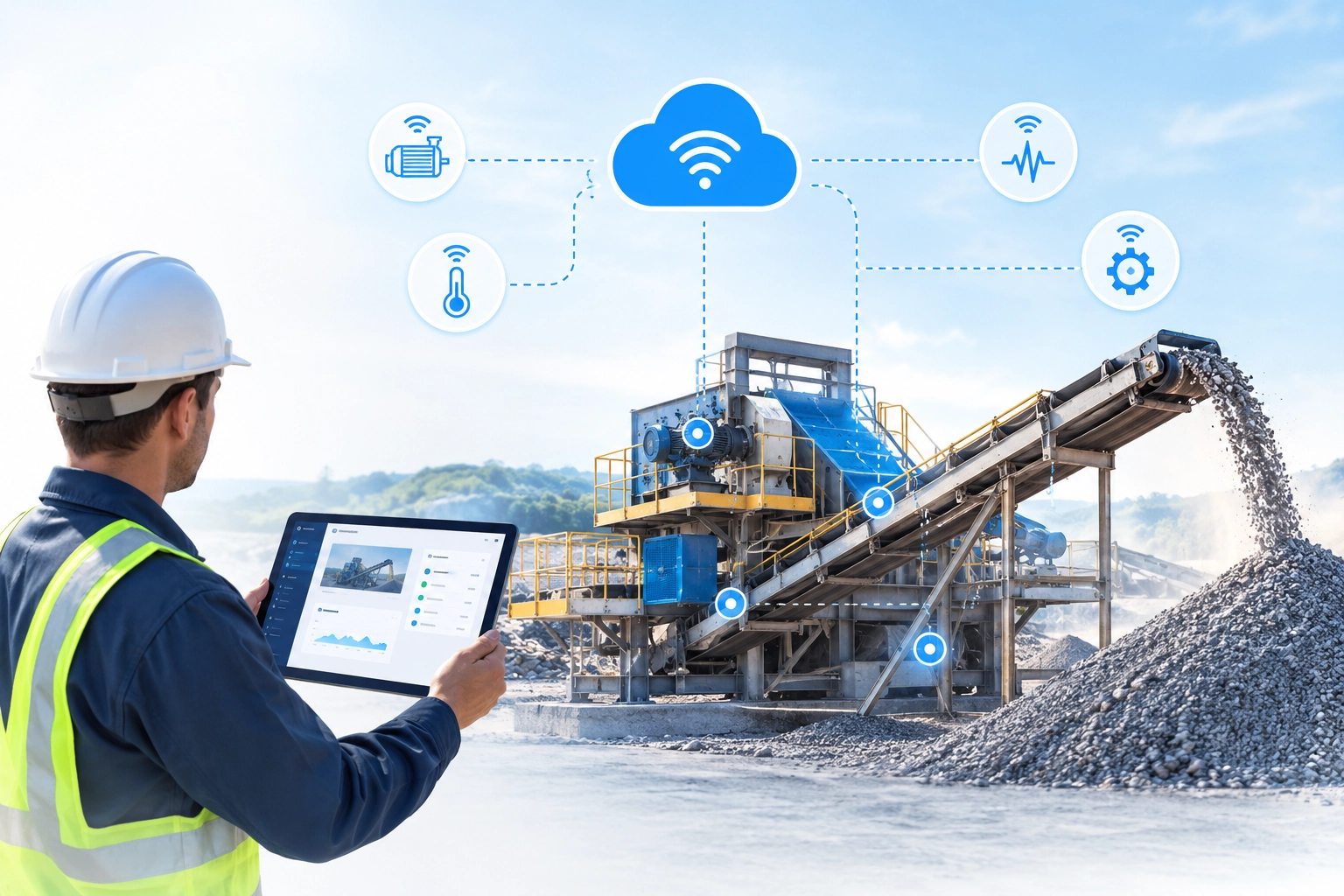
See equipment readings and operating status without relying entirely on manual inspections. Connected sensors can send equipment readings to a monitoring dashboard, helping teams review operating conditions remotely. Depending on the available data, configured alerts can flag readings that need attention.
Equipment status monitoring · Sensor data collection · Configurable alerts
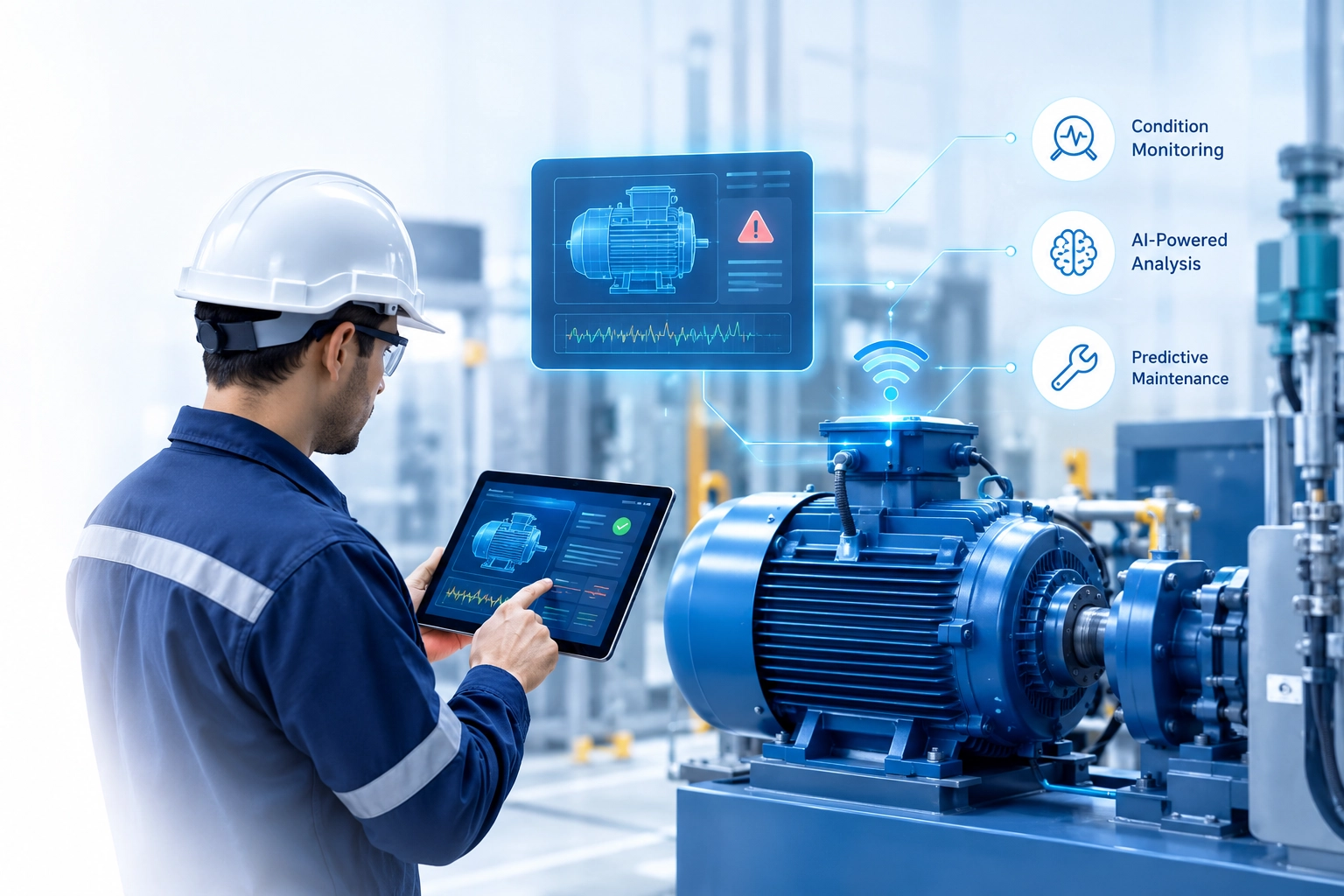
Use equipment data to identify unusual operating conditions and support maintenance decisions. IoT systems can collect measurements such as vibration, temperature or runtime where suitable sensors are available. Reviewing these readings over time can help maintenance teams investigate changes and identify equipment that may need inspection. Predictive maintenance requires appropriate data, analysis and validation.
Condition monitoring · Historical trend analysis · Maintenance alerts
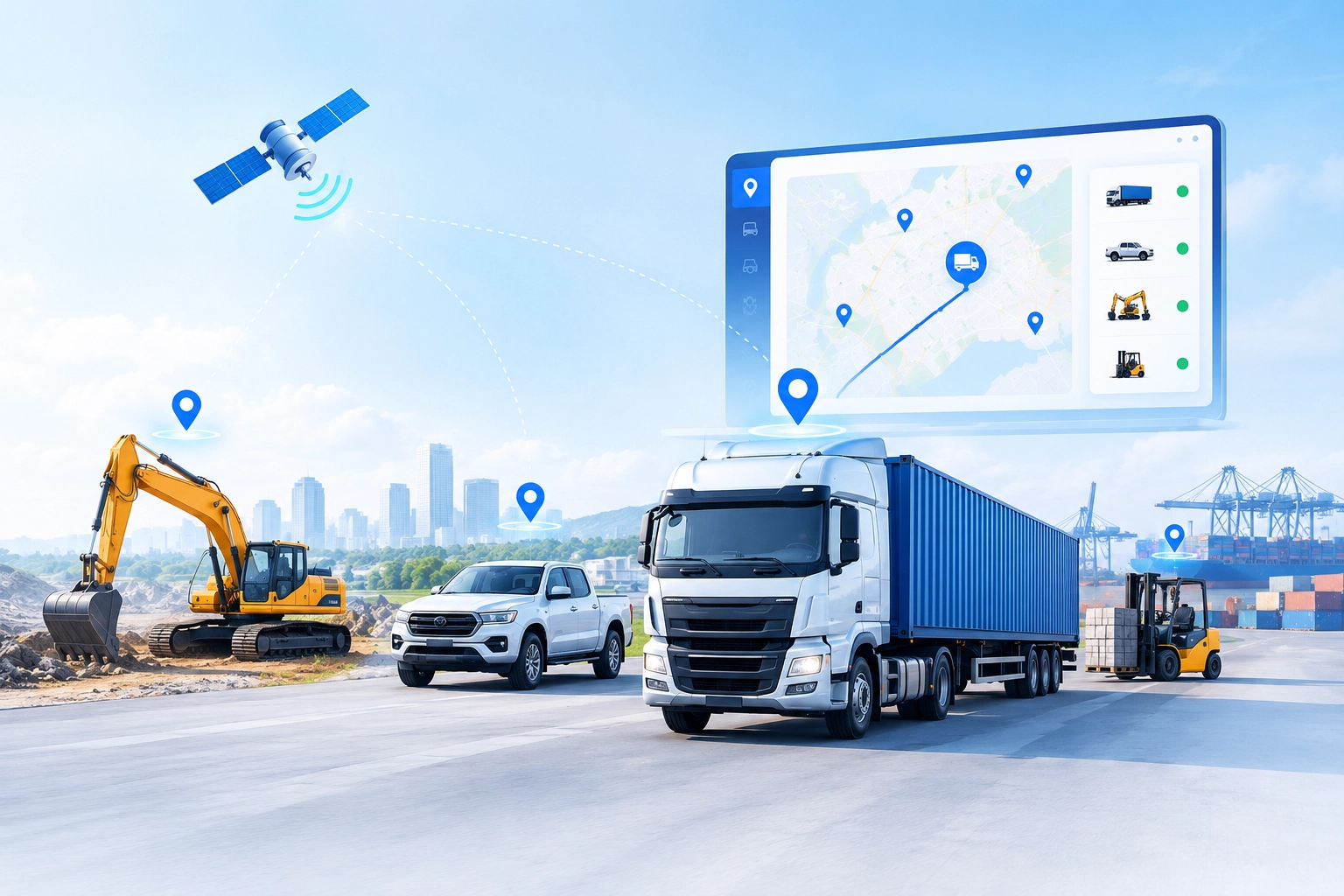
Bring location, status and usage information for supported connected assets into one view. Connected tracking devices and compatible location services can help businesses view asset positions, movement or usage information. The solution depends on the tracking hardware, coverage, update frequency and the type of assets being monitored.
Location visibility · Asset status tracking · Fleet data dashboards
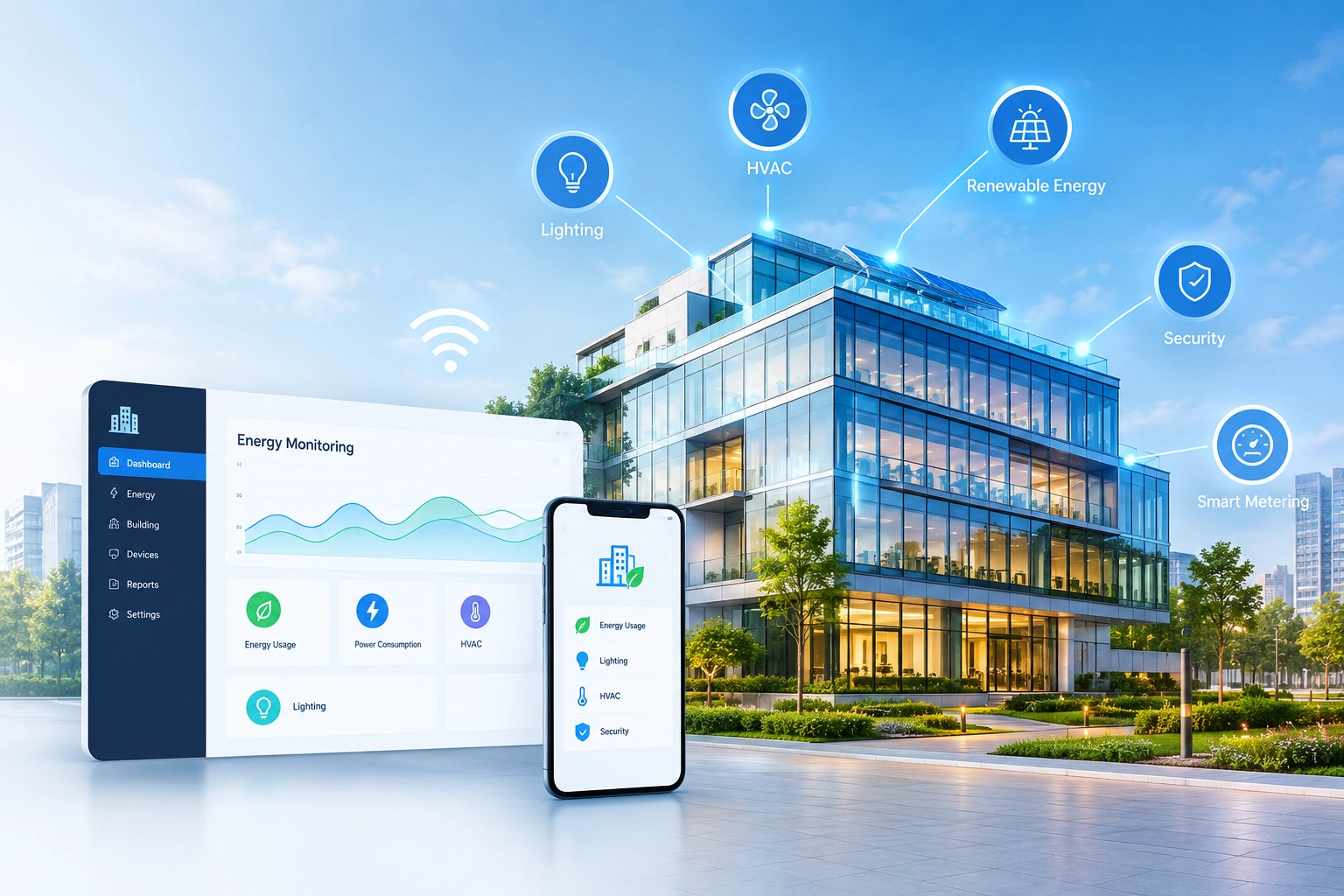
Review energy measurements and building conditions through connected monitoring systems. Where suitable meters and sensors are installed, an IoT solution can bring electricity usage, temperature or other building measurements into a dashboard. Historical readings can help facility teams investigate consumption patterns and identify areas for further assessment.
Environmental monitoring · Energy usage visibility · Building sensor integration
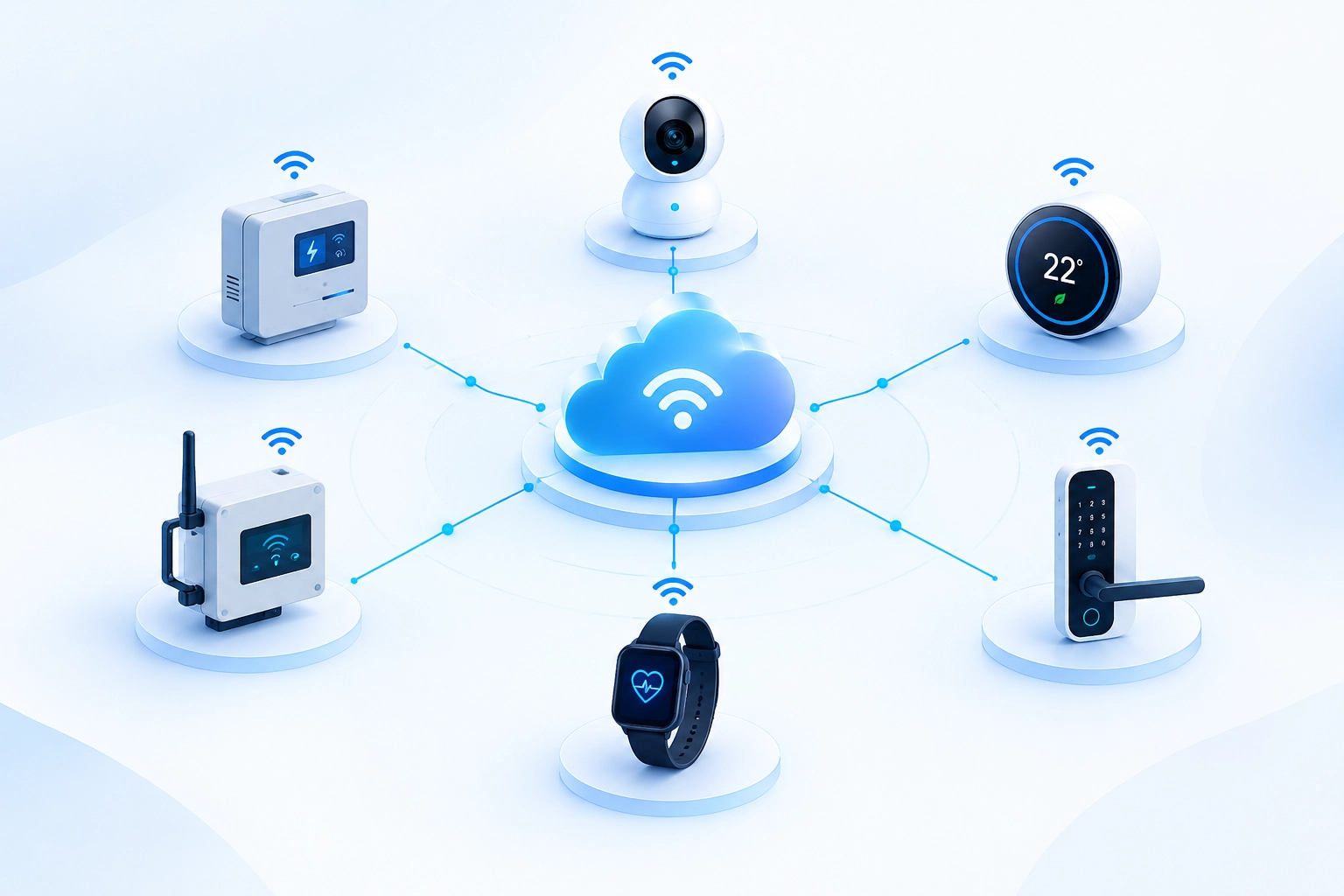
Give customers or operators a digital interface for compatible connected products. Connected-product software can link device data with mobile or web applications, allowing authorised users to view readings, check device status or use supported controls. The experience depends on the product hardware, communication method and required application features.
Connected device applications · Mobile and web interfaces · Device-to-cloud integration
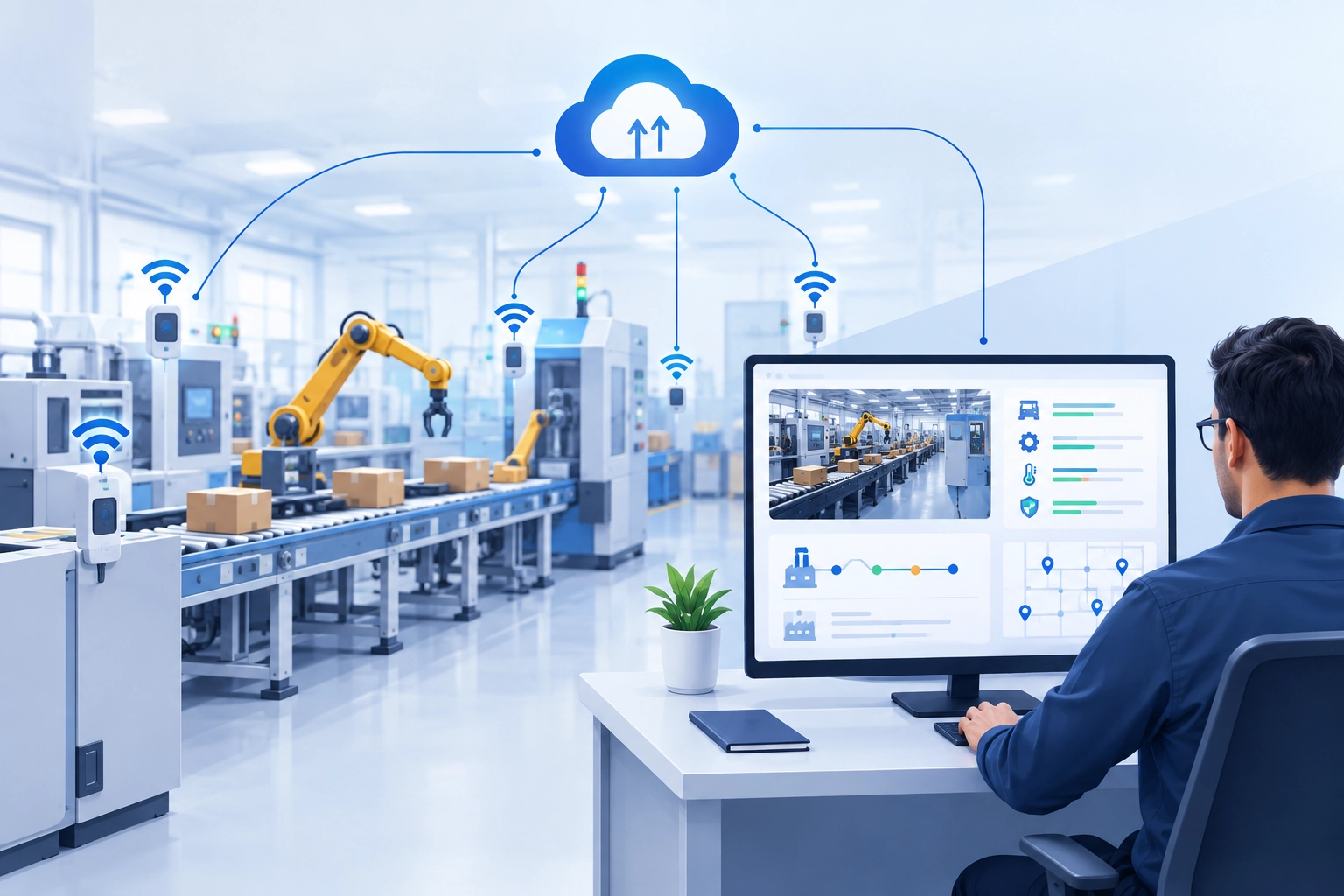
Bring selected machine readings and operational data together for easier review. IoT integrations can collect supported equipment signals and present them alongside relevant operational information. Teams can use the resulting dashboards to review machine status, operating trends and configured events, subject to the available equipment interfaces and data.
Production monitoring · Operational dashboards · Machine data integration
Whether you want to connect existing equipment, build a connected product or develop custom IoT software, SupportSoft can discuss your requirements and help identify a suitable development approach for your project.
Different industries need different ways to collect, monitor and use operational data. IoT software can connect equipment, sensors, assets and business applications to help teams improve visibility into the conditions and processes that matter to them. Explore how connected technology can be applied to different operating environments and business requirements.
Monitor supported machine readings and operating status to help production teams identify conditions that require attention.
Bring selected equipment and production data into a shared view to support operational reviews and investigations.
Connect compatible machinery, sensors and software so authorised users can access relevant industrial data through a connected application.
Use compatible tracking devices and location services to help teams review the location and movement of supported assets.
Bring available vehicle or fleet-device data into a software interface for operational review.
Review available usage and operating data to understand how connected equipment is being used across business operations.
Use compatible sensors to collect information about growing or storage environments and make readings available remotely.
Connect suitable field sensors and monitoring systems to review soil conditions and irrigation-related measurements.
Bring selected data from connected pumps, tanks or other supported farm equipment into a central interface.
Collect readings from compatible meters and devices to help teams review energy consumption over time.
Integrate supported sensors and equipment to provide visibility into selected infrastructure conditions.
Bring supported temperature, pressure, flow or other utility-related measurements into software for review.
Use compatible sensors to review conditions in offices, commercial buildings and other managed spaces.
Bring data from compatible building equipment into a shared interface to help facilities teams review system status.
Where suitable sensors are installed, collect occupancy-related information to help authorised teams review space usage.
Where supported equipment interfaces are available, collect operational status information to help authorised staff review equipment availability.
Use suitable sensors and monitoring software to review storage conditions for environments that require defined temperature limits.
Connect compatible devices to software that presents permitted readings and device information to authorised users.
See how connected device data can be presented through web dashboards and mobile applications, helping users review equipment status, monitor readings and access operational information in one interface.
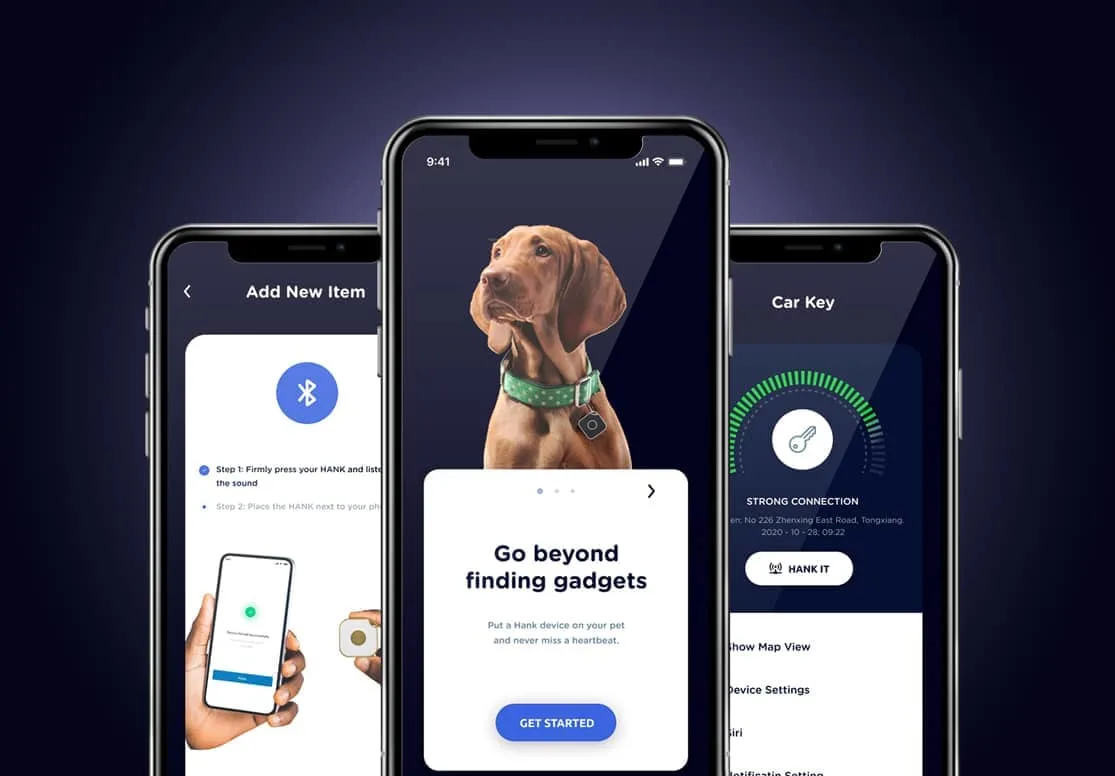
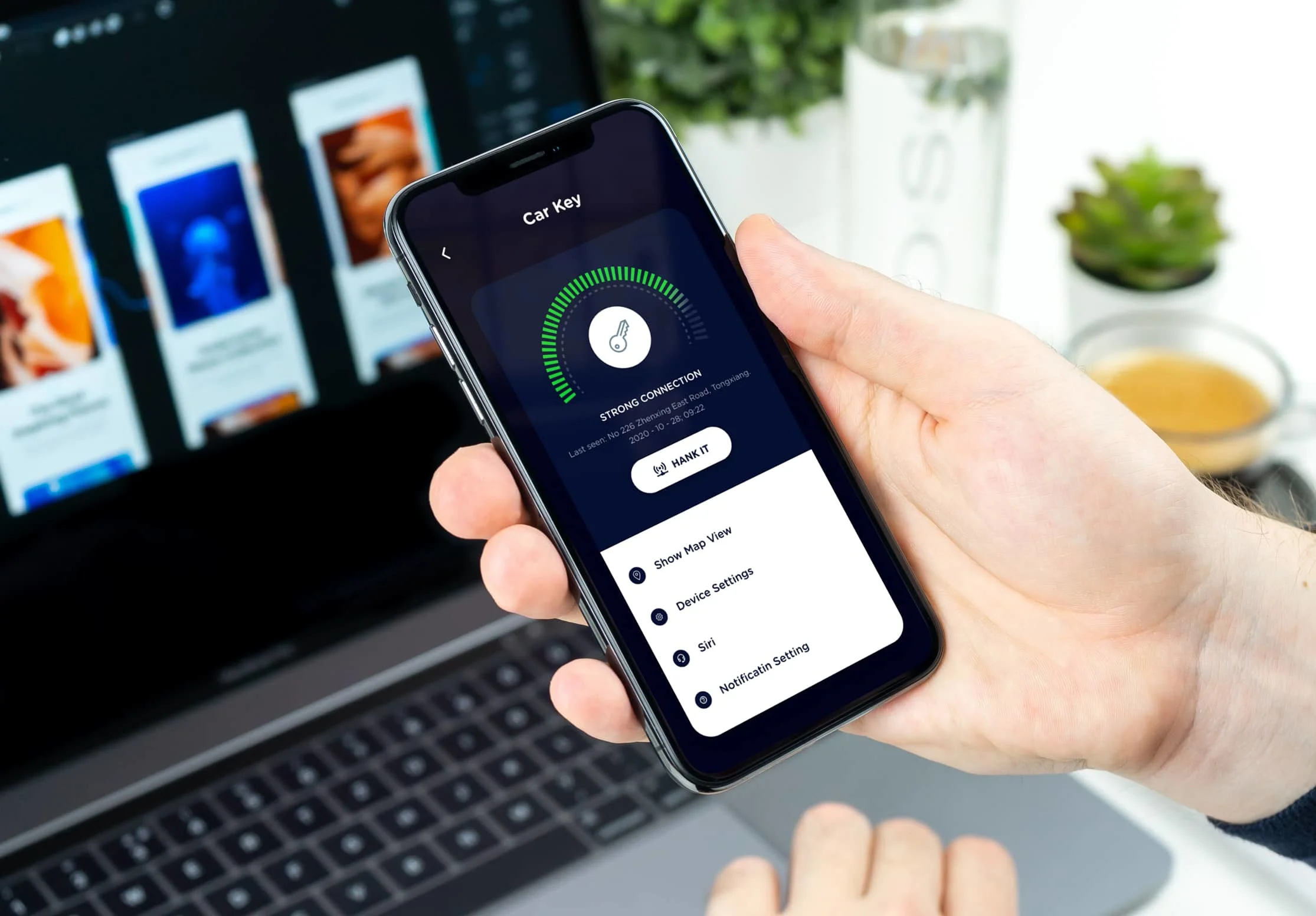
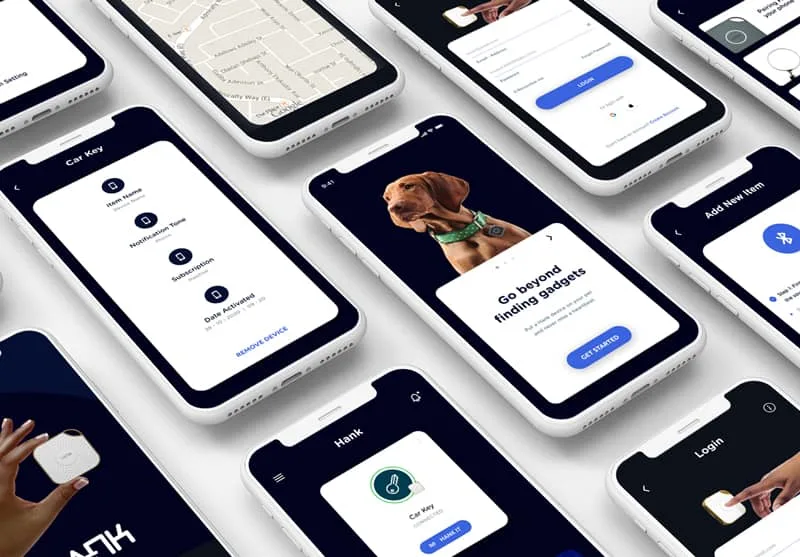
Hank is a smart item tracking application that connects with Bluetooth hardware locator tags and sensors to track lost belongings, signal distance alerts, and ring physical tags.
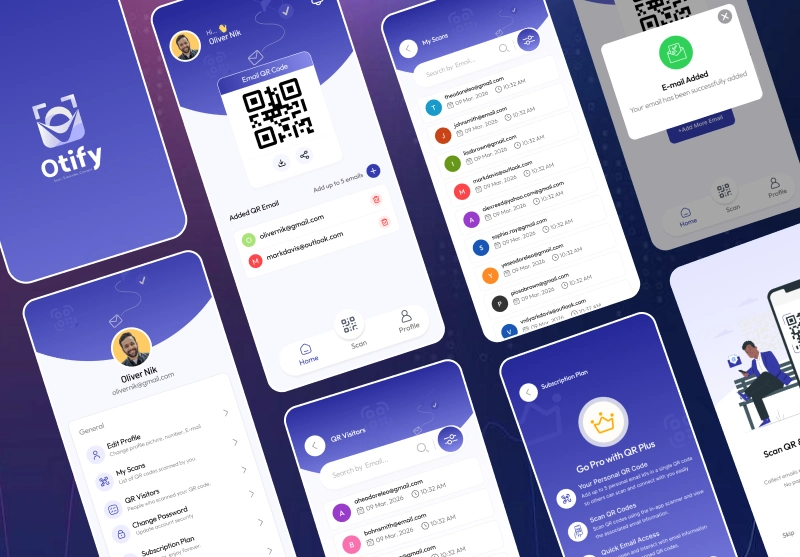
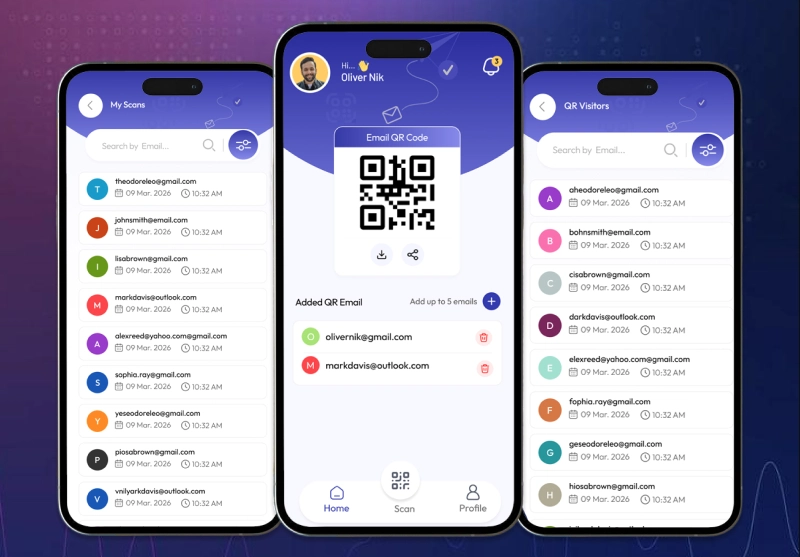
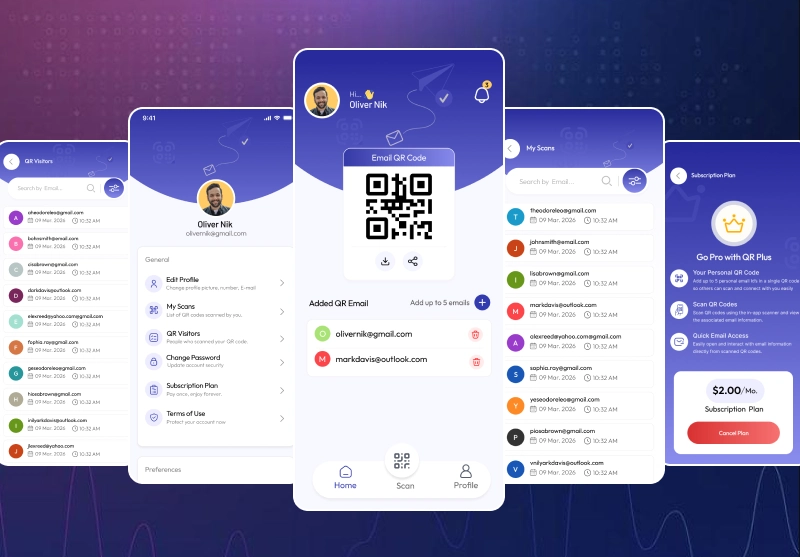
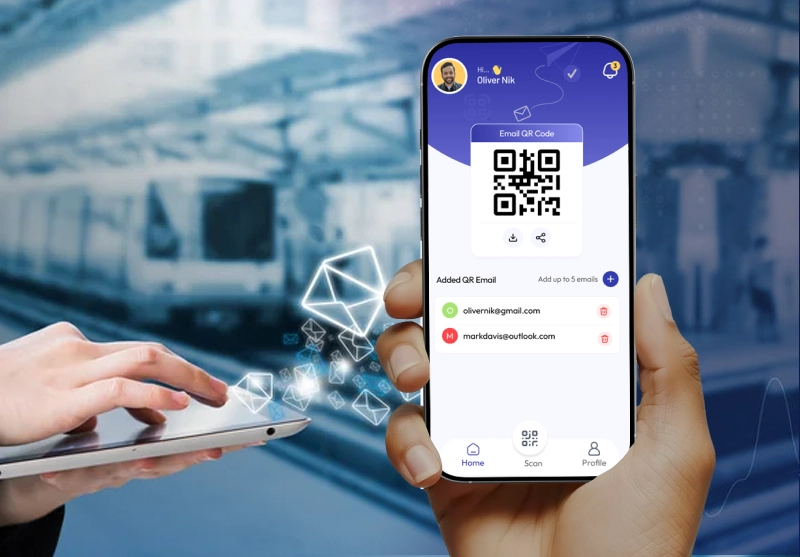
Otify is an IoT asset tracking platform that pairs smart physical QR tags and RFID/Bluetooth beacons to deliver instant asset status, location tracking, and automated workflow triggers.
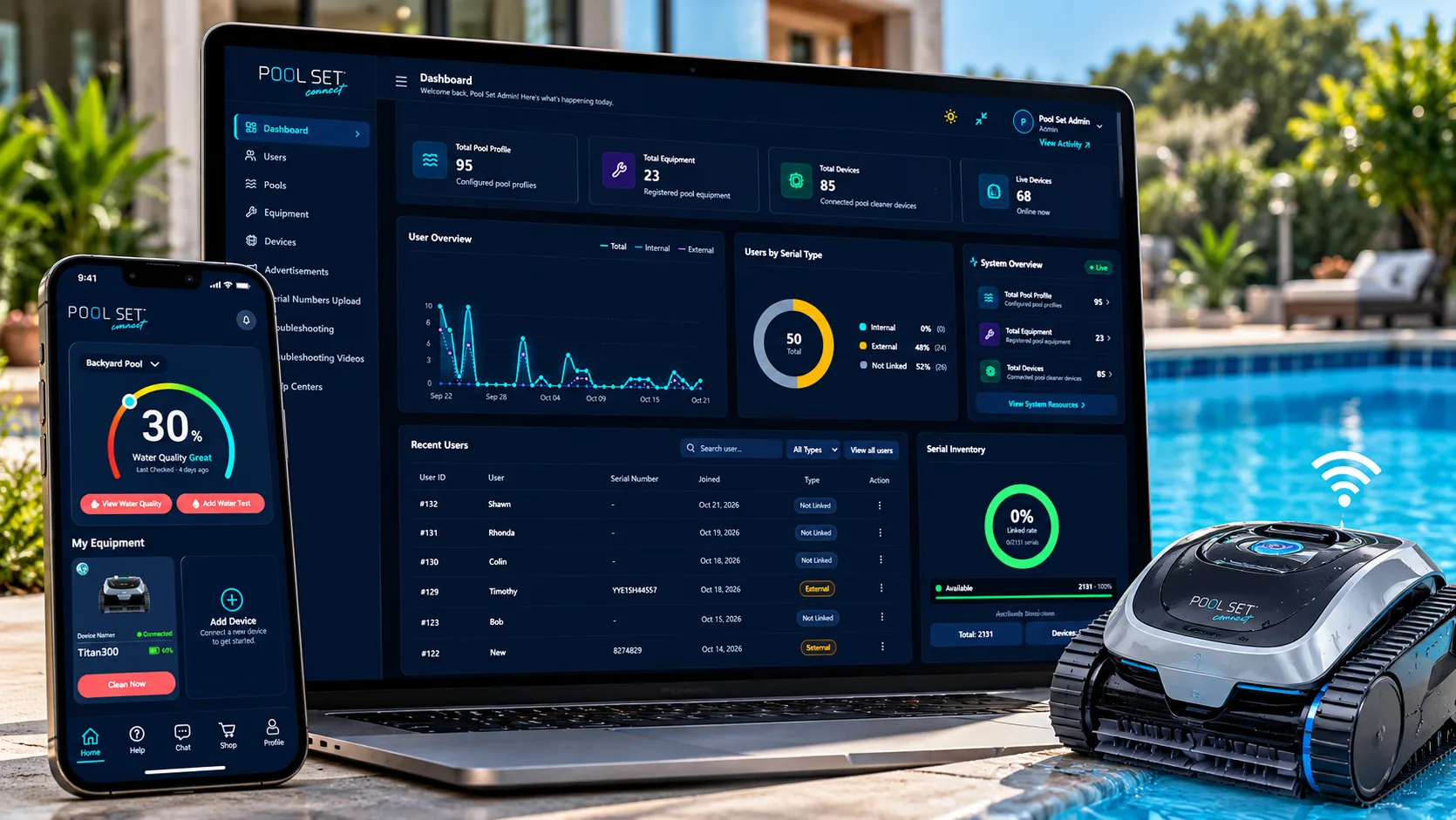
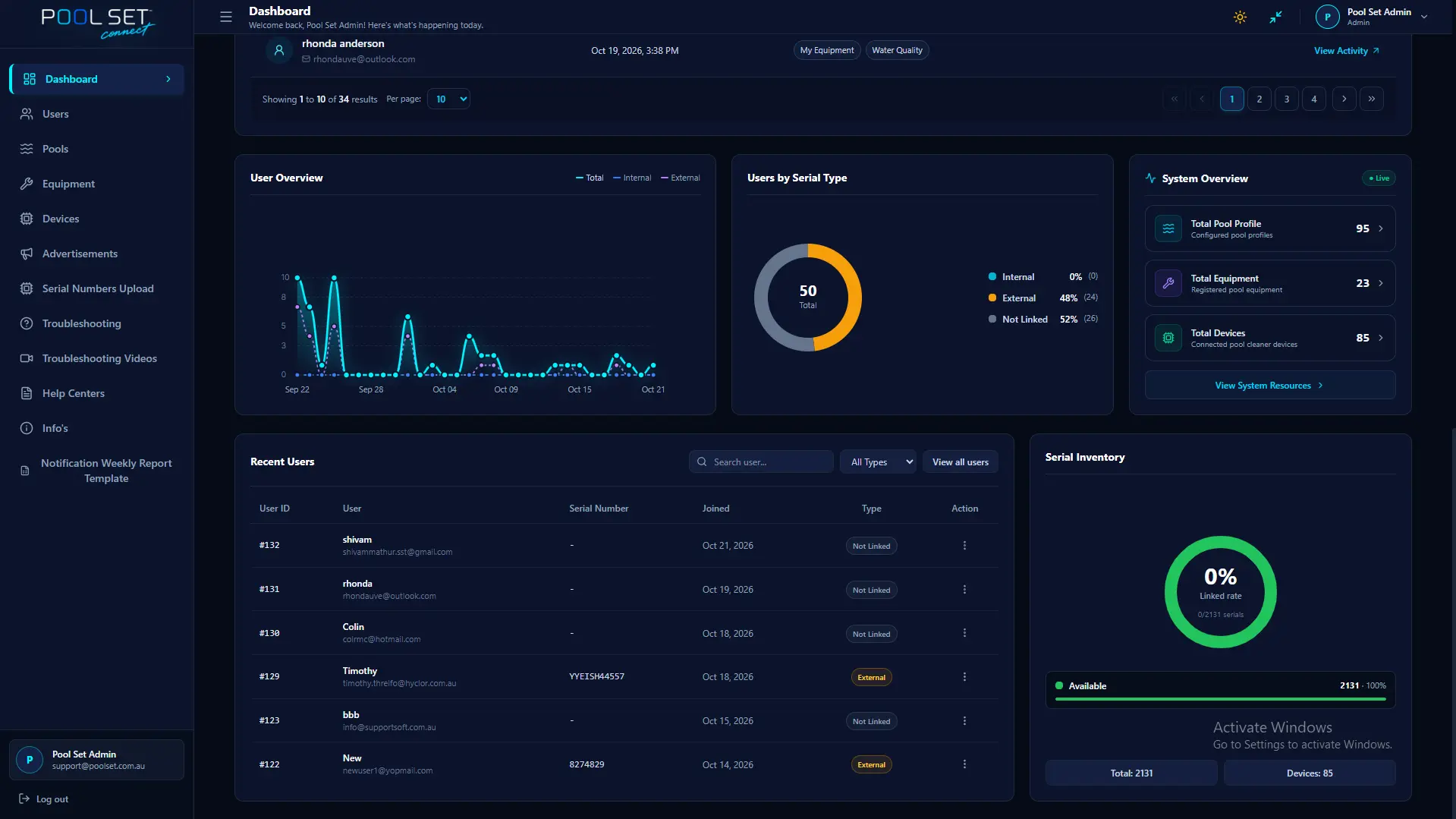
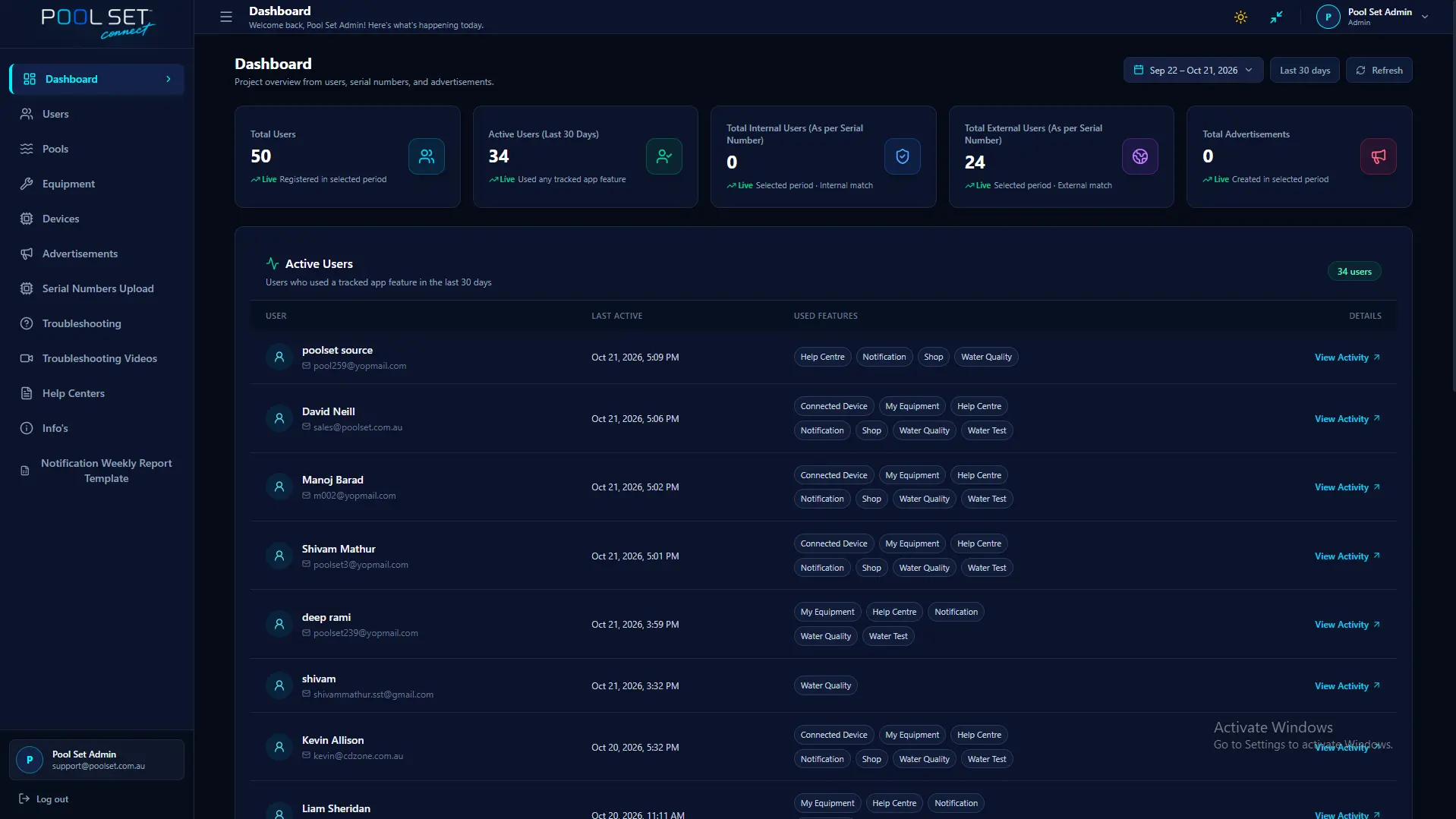
Take control of your pool care with Pool Set Connect. It helps you manage your swimming pool, monitor water quality in real time, connect compatible pool equipment, and keep everyday maintenance automated — all from one smart app.
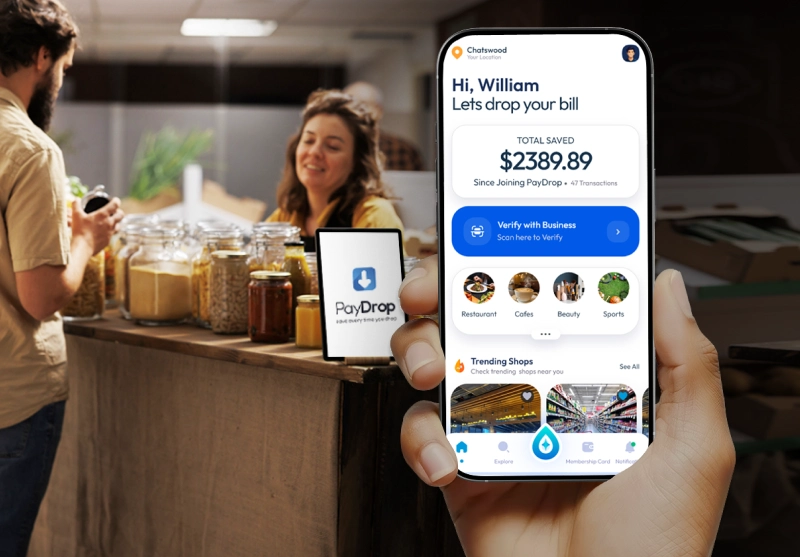
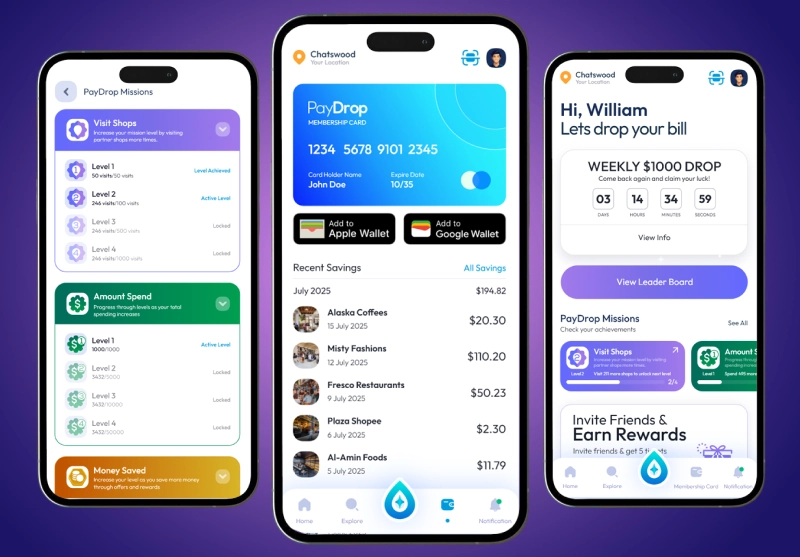
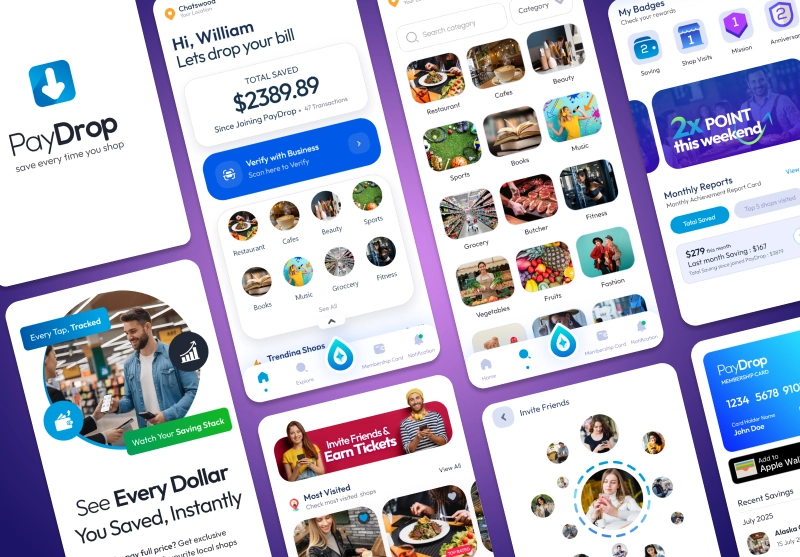
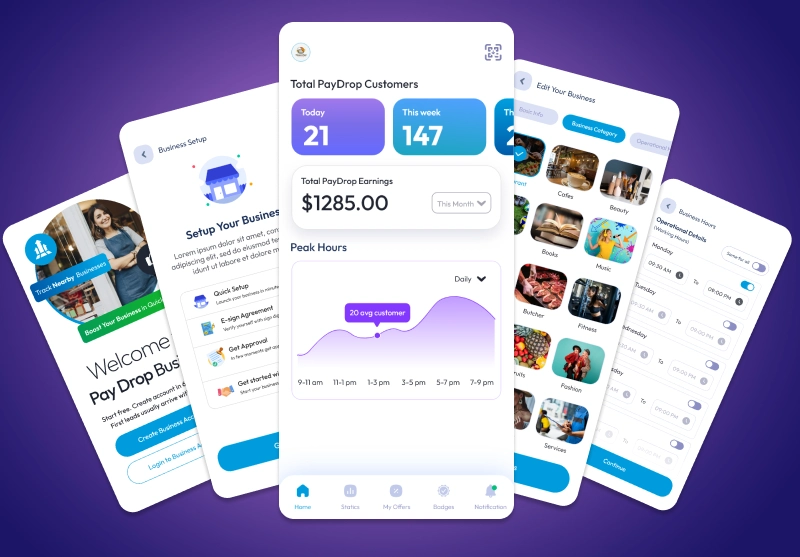
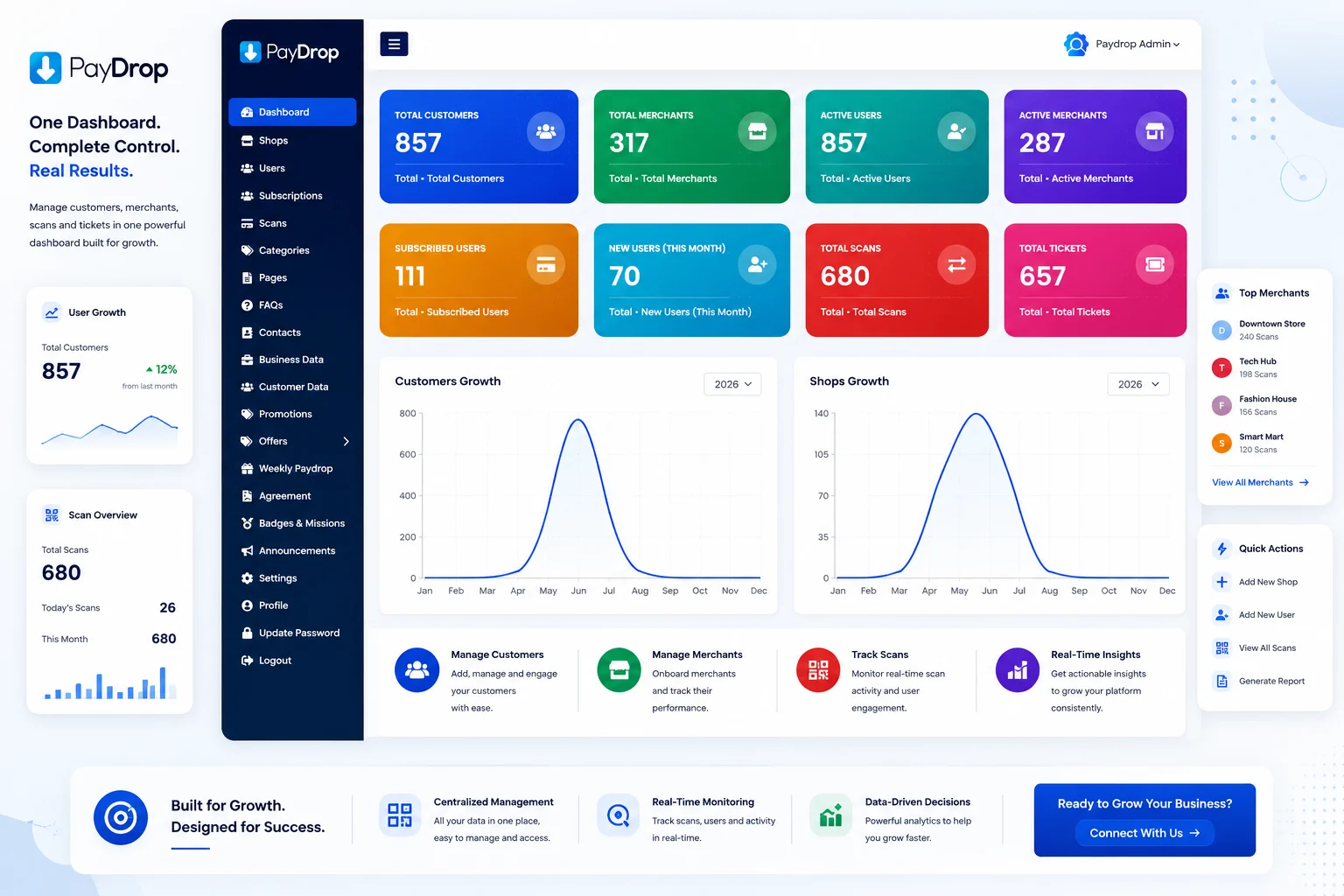
Paydrop is an IoT-enabled smart rewards and deals platform connecting local shoppers with brick-and-mortar merchants through Bluetooth beacons, smart QR terminals, and automated location-triggered drop notifications.
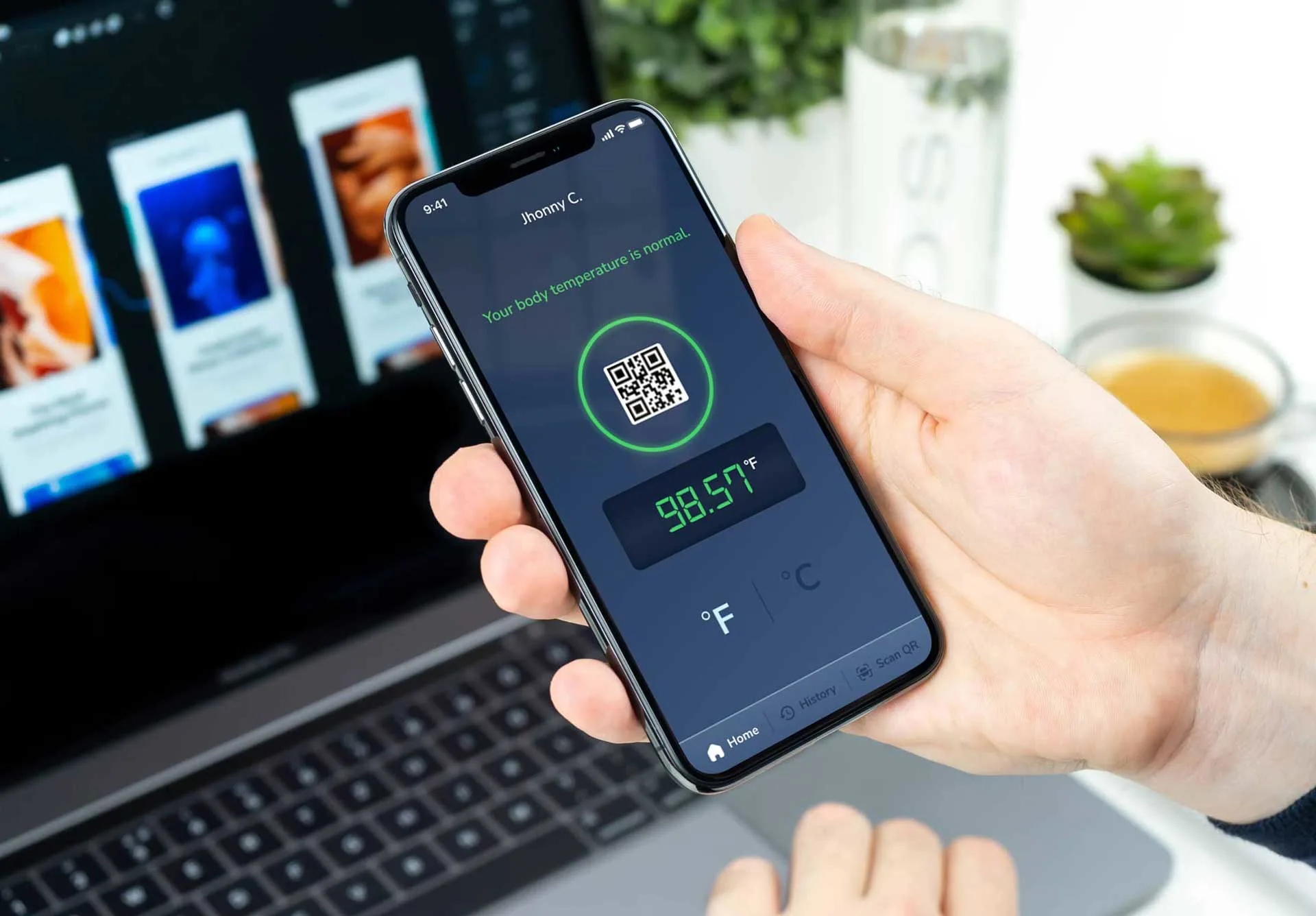
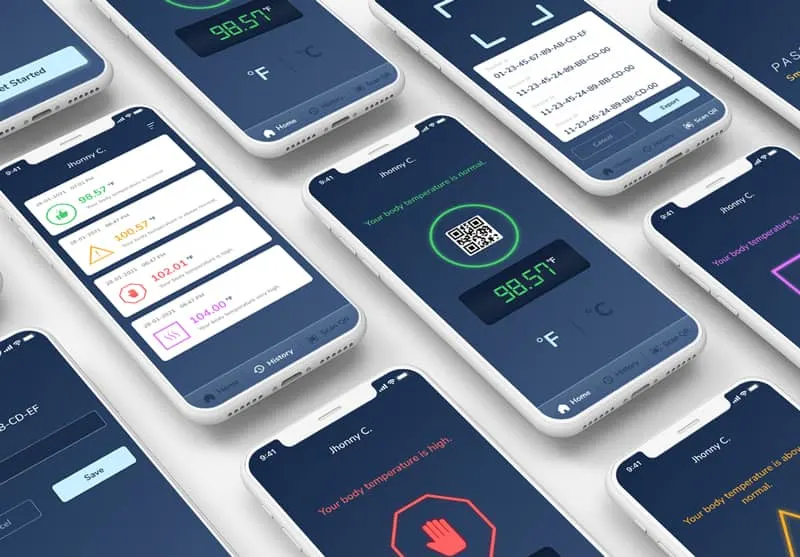
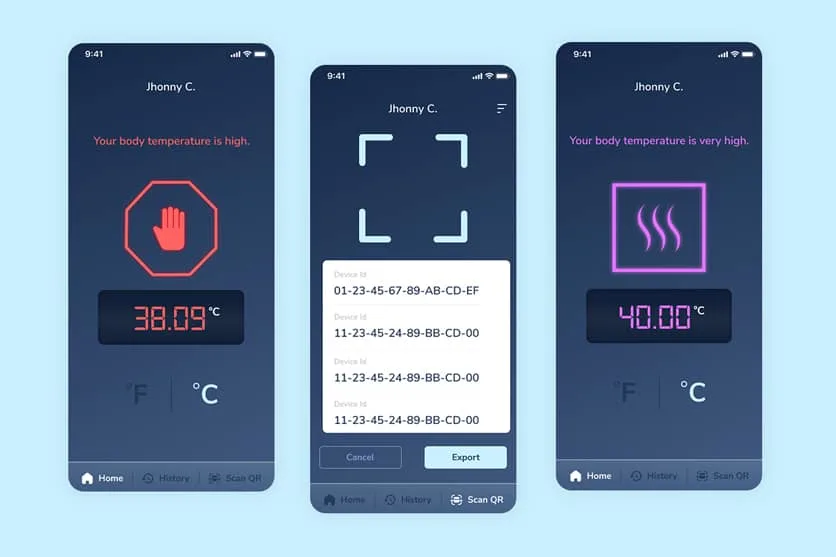
Passpatch is an innovative Bluetooth-enabled smart thermometer app. It connects to IoT body temperature sensors for continuous fever detection, vital sync, and early warning alerts.
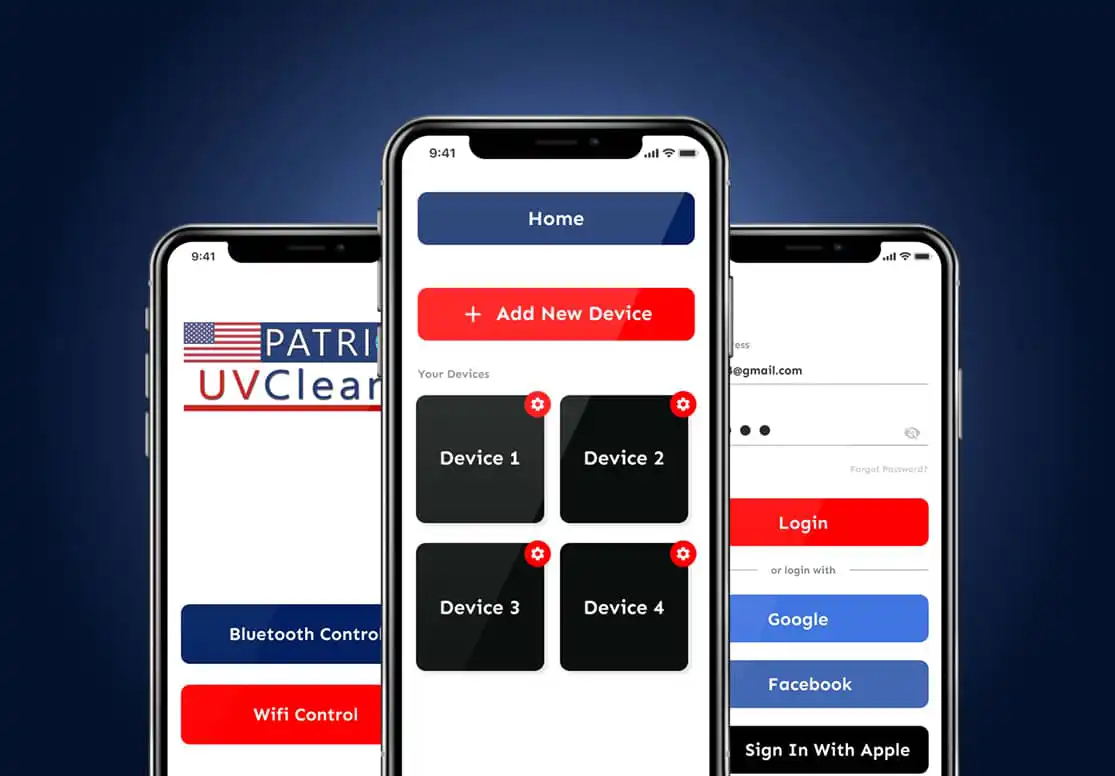
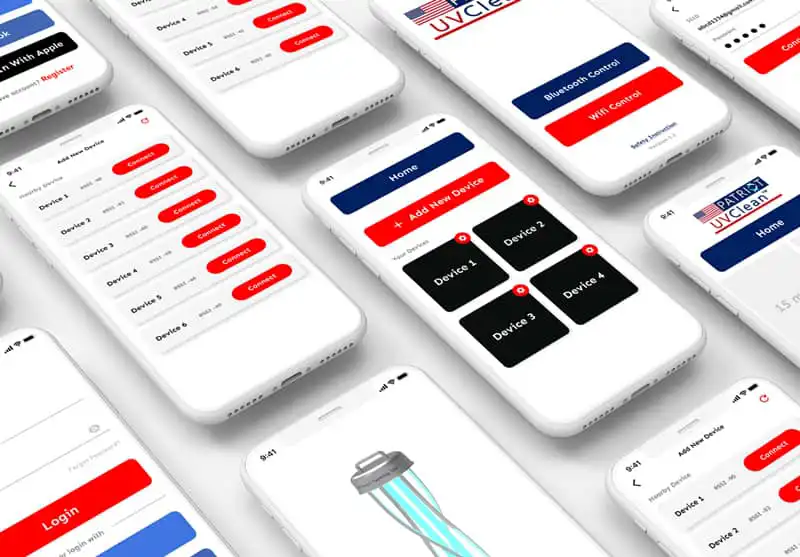
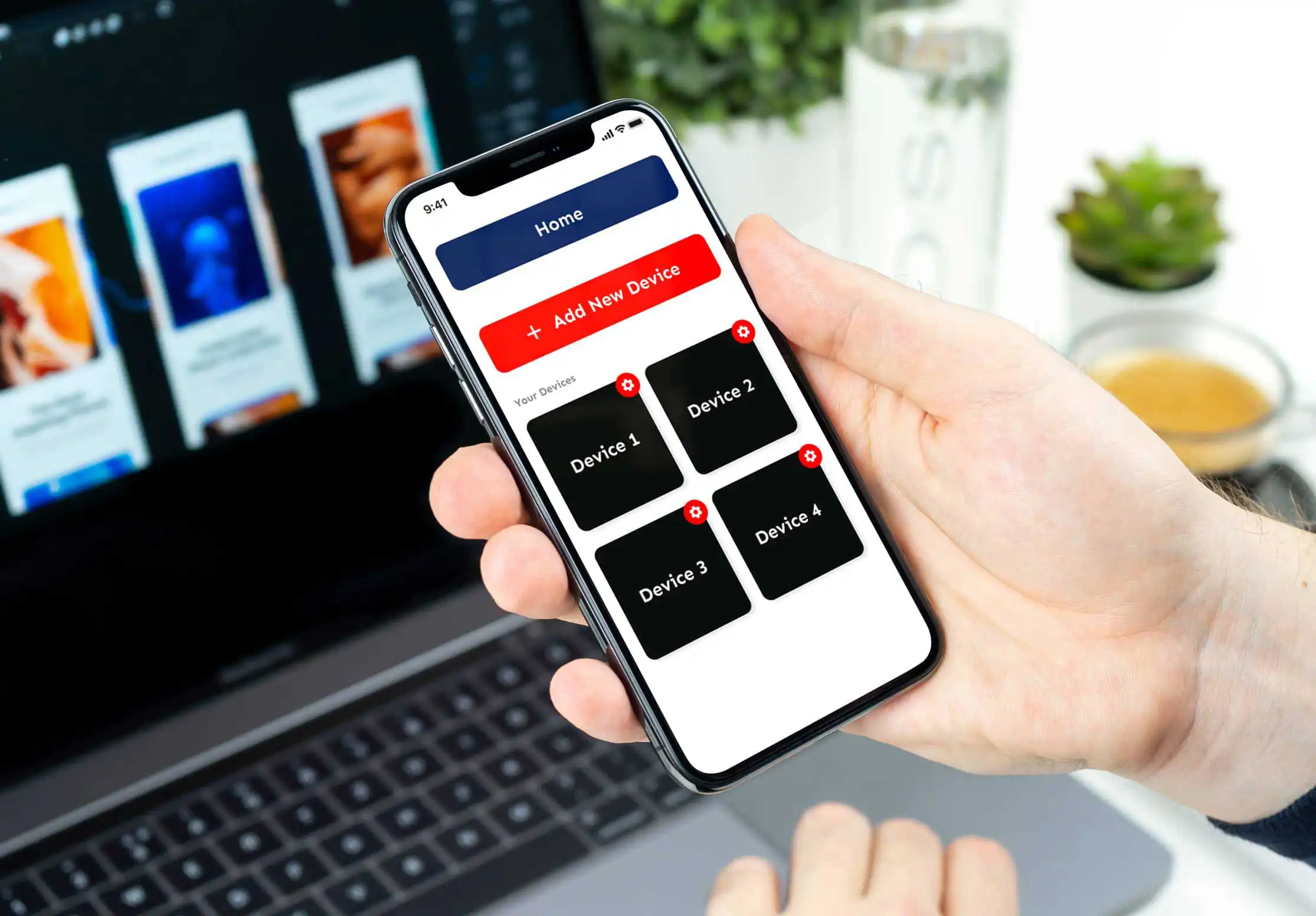
Patriot UVClean is a specialized Bluetooth IoT controller application that operates connected UV sanitization hardware devices to eliminate germs, pathogens, and mould automatically.
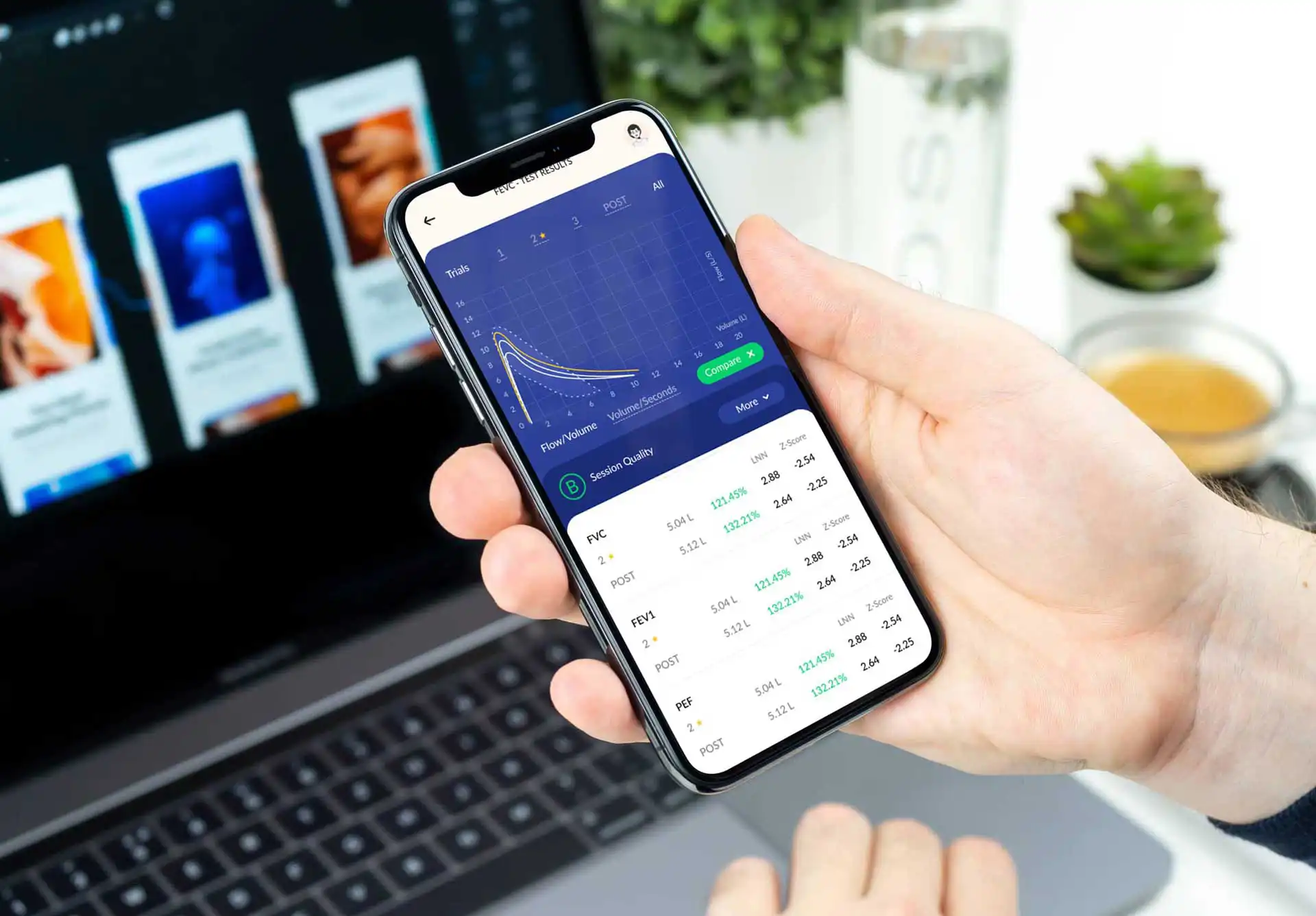
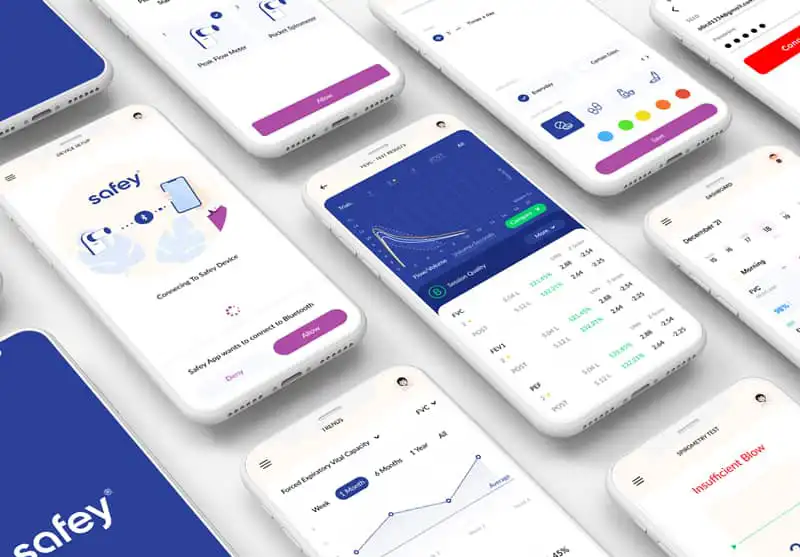
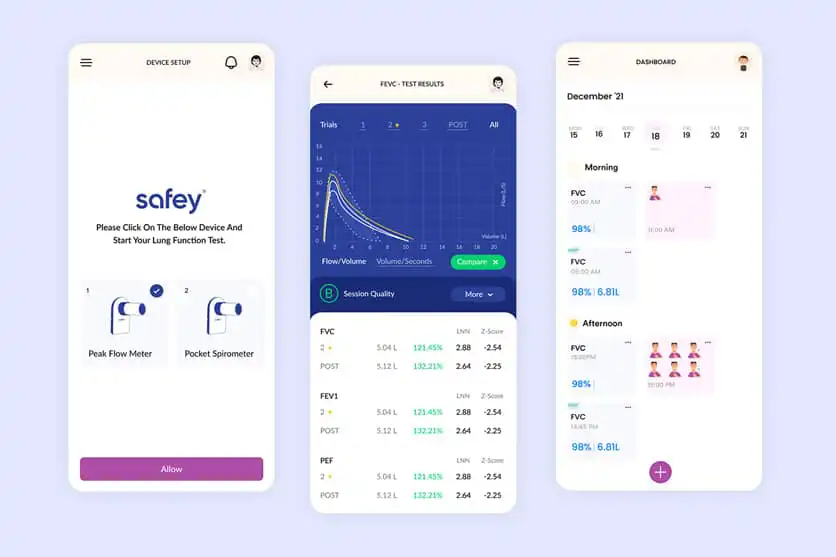
Safey is an IoMT (Internet of Medical Things) spirometry solution. It connects wirelessly to smart peak flow meters to track lung capacity, asthma vitals, and physician diagnostics in real time.
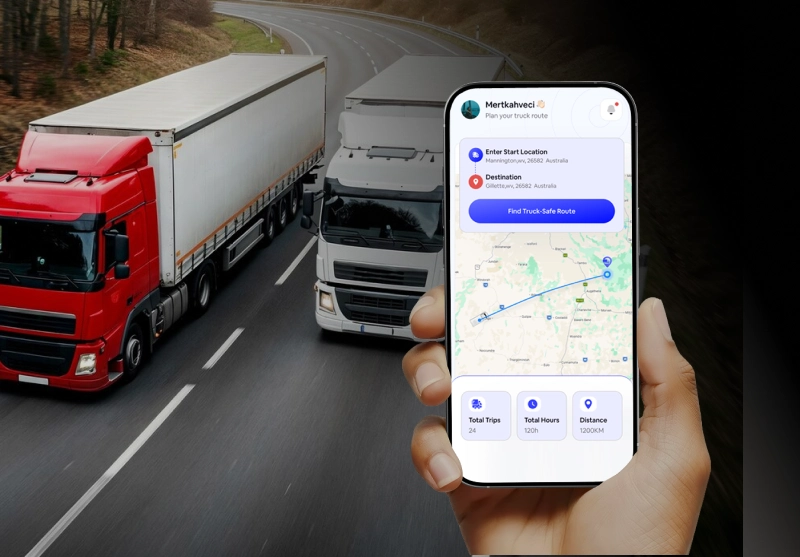
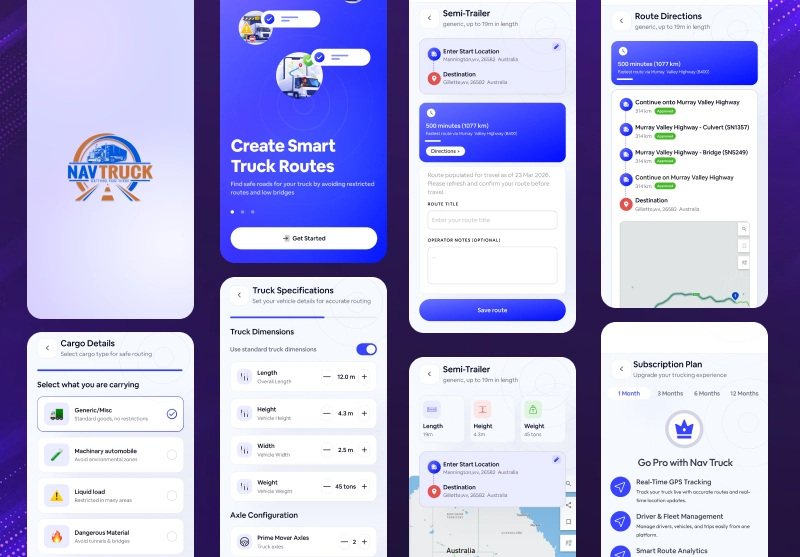
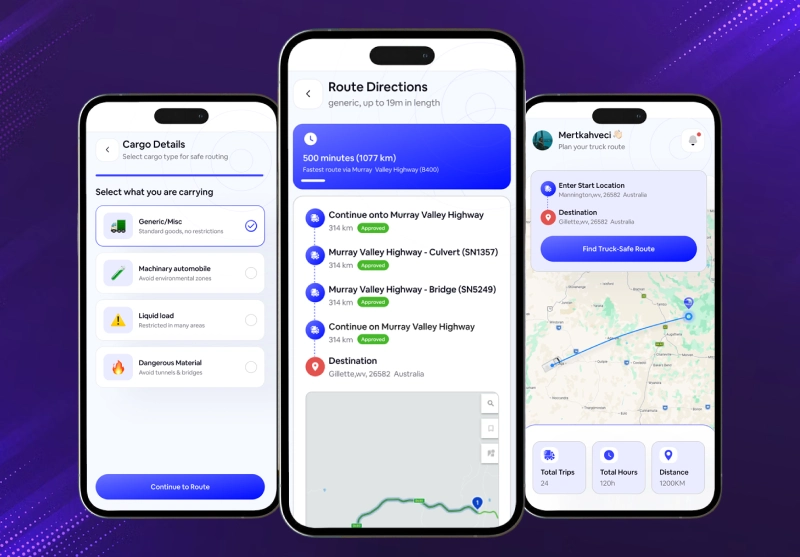
NavTruck is an IoT vehicle telematics and GPS navigation platform built for commercial fleets. It streams real-time vehicle diagnostics, fuel sensors, and driver safety alerts to a cloud dashboard.
My HealthStyle turns smartphones into connected healthcare hubs that sync with digital blood pressure cuffs and cardiac sensors via IoMT cloud protocol.
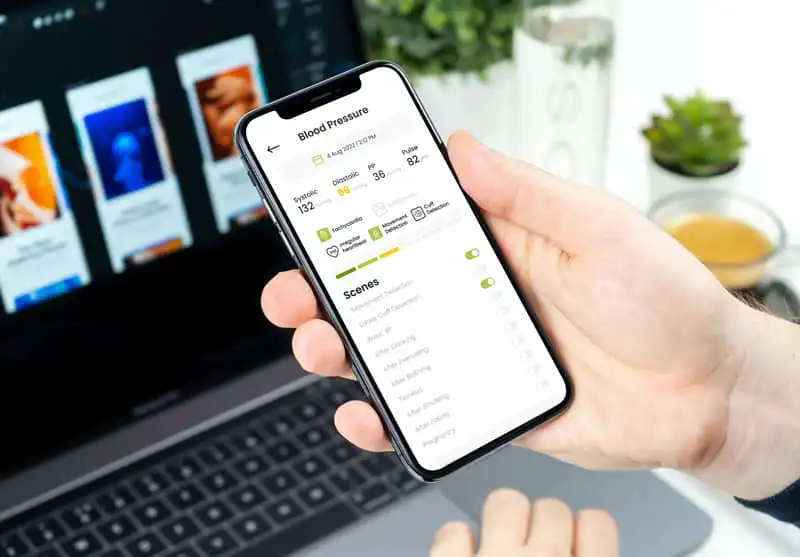
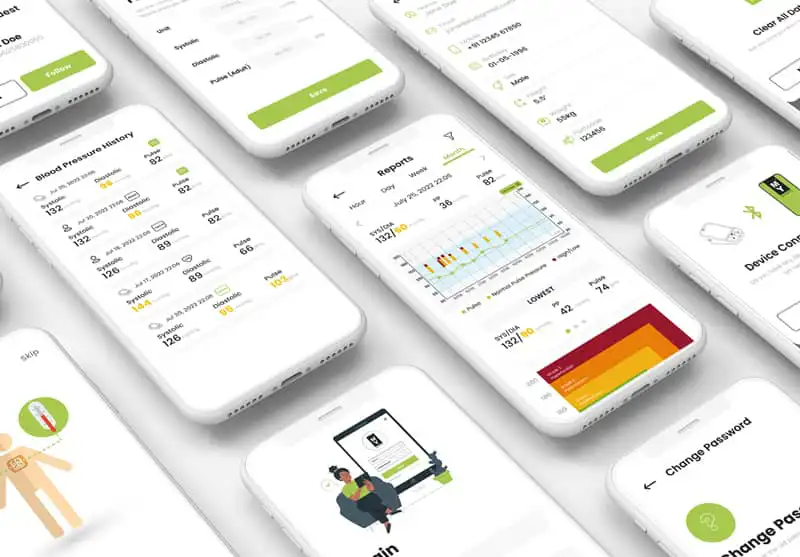
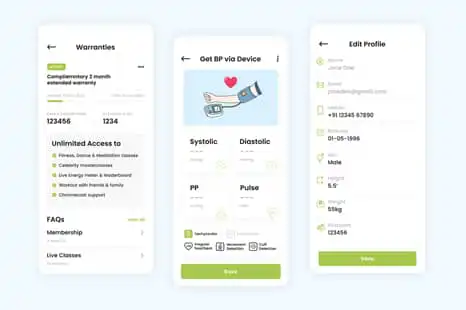
An IoT monitoring platform collects data from connected devices, processes incoming readings and displays useful information in a dashboard. When a reading meets a configured alert condition, the system can notify the relevant user so they can investigate.
Sensors and connected equipment measure conditions such as temperature, pressure, movement or operating status.
The system sends device readings to the relevant software platform, where incoming data can be processed and stored.
Users can review device status, current readings and historical trends through a web dashboard or mobile application.
When a reading meets a defined threshold or event rule, the system can send a notification to help users investigate the condition.
Every IoT project has different hardware, connectivity, data and software requirements. A structured development approach helps define the scope, assess technical dependencies, build the required application and validate how the connected system works before deployment.
Define what needs to be monitored or controlled, who will use the solution, which devices are involved and what the project must achieve.
Assess device compatibility, connectivity options, data requirements, security considerations and integration with existing systems.
Develop the agreed software components, such as device integrations, backend services, monitoring dashboards or mobile interfaces, according to the project scope.
Test device communication, data handling, application behaviour, configured alerts and relevant security requirements in the agreed environment.
Prepare the solution for the agreed deployment environment, verify operational readiness and identify any maintenance or improvement requirements within the support arrangement.
Every IoT project has different devices, data requirements and operational goals. SupportSoft focuses on understanding those requirements and developing software around the way your business needs to collect information, connect systems and use operational data.
See what our clients say about working with Supportsoft , from understanding their requirements to delivering software solutions tailored to their business needs.

"I recently had the pleasure to work with support soft technology- app developers. I would happily give them 5 stars. My app is in the disability sector called bloom roster care. It’s a personalised shift rostering system."

“Supportsoft technologies developed the platform for our company, Clubland Services. From the first discussions, Rob and Sandeep were a wealth of information, guiding us on many decisions including design, functionality and layout.”

“I'm genuinely grateful for everyone at Supportsoft Technologies - we've built a foundational working relationship now that is ongoing and I know we will build on what we learned and keep advancing.”

"The Skill level in being able to deliver a complicated health APP. Also, they were good, honest people to work with and very trustworthy"
"We were impressed with their excellent communication. My account manager and project manager are available almost whenever needed. End result looks far better than what I can think of."

"I am the Owner of Schrood food delivery App. These guys are impressively genuine, helpful, and technically skilled"

"I recently had the pleasure to work with support soft technology- app developers. I would happily give them 5 stars. My app is in the disability sector called bloom roster care. It’s a personalised shift rostering system."
“Supportsoft technologies developed the platform for our company, Clubland Services. From the first discussions, Rob and Sandeep were a wealth of information, guiding us on many decisions including design, functionality and layout.”
“I'm genuinely grateful for everyone at Supportsoft Technologies - we've built a foundational working relationship now that is ongoing and I know we will build on what we learned and keep advancing.”
"The Skill level in being able to deliver a complicated health APP. Also, they were good, honest people to work with and very trustworthy"
"We were impressed with their excellent communication. My account manager and project manager are available almost whenever needed. End result looks far better than what I can think of."
"I am the Owner of Schrood food delivery App. These guys are impressively genuine, helpful, and technically skilled"
Tell us what you want to connect, monitor or build. We’ll discuss your business requirements and the right approach for your IoT software solution.
Find detailed answers to the most frequently asked questions concerning our IoT development services in Australia.
IoT software connects compatible devices, sensors and business systems to collect information that businesses can use to make better operational decisions. Depending on the requirements, an IoT solution can help Australian businesses monitor equipment remotely, track assets, review operating conditions, receive alerts and access data through a central dashboard. The right approach depends on the problem you want to solve and the systems already in place.
An existing IoT platform may be suitable if it supports your devices, integrations and business workflows. Custom IoT software development may be a better fit when you need specific functionality, tailored dashboards, integration with existing systems or greater control over the user experience. The best option depends on your technical requirements, budget and plans for future growth.
Yes, provided the equipment, devices and connectivity support remote data access. An IoT monitoring platform can bring information from connected assets at different business locations into a central dashboard, allowing authorised users to review equipment status, sensor readings and historical data. Network coverage, device compatibility and data-update requirements should be assessed for each location.
In many cases, existing machinery can be connected to an IoT system if its data is accessible through a compatible interface, sensor or gateway. This can allow businesses to collect selected equipment readings without necessarily replacing the entire machine. A technical assessment helps determine whether the equipment can be integrated and what additional hardware or software may be required.
Not always. Existing sensors and connected devices may be sufficient if they provide the information your business needs and can communicate with the proposed software. New sensors, gateways or other hardware may be required when measurements are unavailable or existing equipment is incompatible. Assessing your current setup can help identify what can be reused before investing in additional devices.
Yes, where compatible integration methods are available. IoT software can exchange data with supported business applications through APIs, gateways or other suitable interfaces. Depending on the project, this can help connect device readings with operational dashboards, reporting tools or existing business workflows. The integration approach depends on the systems involved and the data that needs to be shared.
Yes. An IoT application can present connected-device information through a web dashboard, a mobile app or both. A dashboard can help teams review equipment status, trends and reports, while a mobile application can provide access to relevant information when users are away from their desks. Features and access permissions should be planned around the needs of the intended users.
The cost of IoT development in Australia depends on the project's scope, hardware requirements, device connectivity, software features, integrations and testing needs. A solution that monitors a small number of devices may require a different level of investment from a platform supporting multiple locations, device types and complex workflows. A clear requirements assessment is the best starting point for estimating project costs.
The development timeline depends on the number of devices, software complexity, integration requirements and testing needed. A proof of concept with limited functionality may take less time than a production-ready IoT platform involving multiple device types or locations. Defining the requirements and checking technical feasibility early helps establish a realistic project schedule.
Yes. An IoT prototype or proof of concept can help test important assumptions before committing to a larger development project. It may be used to evaluate device connectivity, data collection, a basic monitoring dashboard or a specific business workflow. The prototype should focus on the main technical or business question you need to validate before expanding the solution.
The outcome depends on the device, network and system architecture. Some IoT devices can temporarily store readings and transmit them when connectivity returns, while others may become unavailable or lose data during an interruption. The system should be designed around the expected network conditions, including how it handles missing data, reconnection and any need for local operation.
IoT security should be considered across devices, communication channels, applications and stored data. Depending on the project, appropriate controls may include device authentication, encryption, access permissions, secure software updates and system monitoring. Australian businesses should also assess applicable privacy and data-handling obligations when personal or sensitive information is involved.
Yes. An IoT monitoring system can send notifications when incoming sensor readings meet configured thresholds or event rules, provided the necessary data and notification functionality are available. For example, a system may alert authorised users when a measured temperature exceeds a defined limit or equipment status changes. Alert reliability depends on sensor accuracy, connectivity and the rules configured for the system.
An IoT platform can be designed to support future expansion by considering device numbers, data volumes, connectivity, storage, user access and integration requirements from the beginning. This can make it easier to extend an initial deployment to additional devices, business locations or workflows. The appropriate architecture depends on expected growth and the technical demands of the project.
Start by explaining the business problem you want to solve, the equipment or devices involved, the information you need to collect and who will use the solution. It is also helpful to identify existing software, connectivity constraints, essential features, security requirements and any deadlines. You do not need a complete technical specification; these details help an IoT development team assess feasibility, scope and the next steps.
Tell us what you're trying to achieve. We'll help you define the right technology, scope the opportunity, and determine the best next step.

Share your requirements, discuss your options with our team, and understand the next steps for your project.
Share your goals, challenges, timeline, and what you're looking to build.
We'll discuss your requirements and ask the right questions.
We'll identify the technology, scope, and potential next steps.
No pressure. Just practical recommendations based on your business.
Share a few details so we can understand what you're looking for.